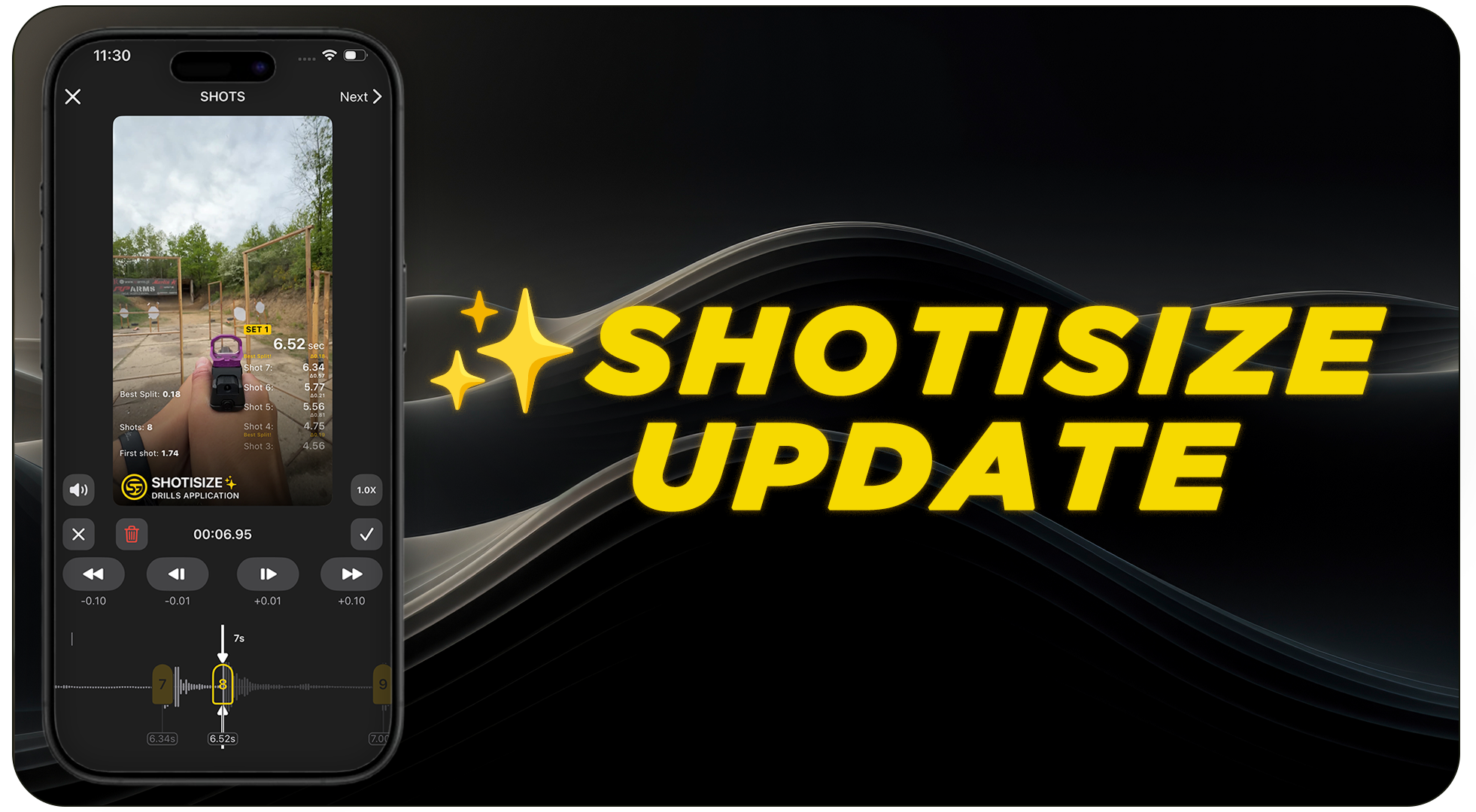
What is Shotisize? The simplest way to add shot timer data to your videos
Let’s be honest: we all love recording our range sessions, but nobody likes spending hours editing videos to see their split times. That’s why we built Shotisize AI in the Drills App.
If you haven’t tried it yet, it’s simple: you record your drill, and our AI listens for the timer beep and your shots. It then automatically overlays all your times and splits right onto the video. No cables, no special timers – just you, your gun, and any camera you like. If you want to see Shotisize in action and learn more, check out the video below. ⇣⇣⇣
But we knew we could make it even better. Here’s what’s new in the latest update.
A Smarter AI That Listens Better
We’ve completely overhauled our recognition model. It’s now much more sensitive and accurate.
Whether you’re shooting at a busy range or outdoors, the AI is now «sharper» at picking up every single shot.
Basically, almost nothing stays unnoticed now.
Total Control: Add and Fine-Tune Shots Manually
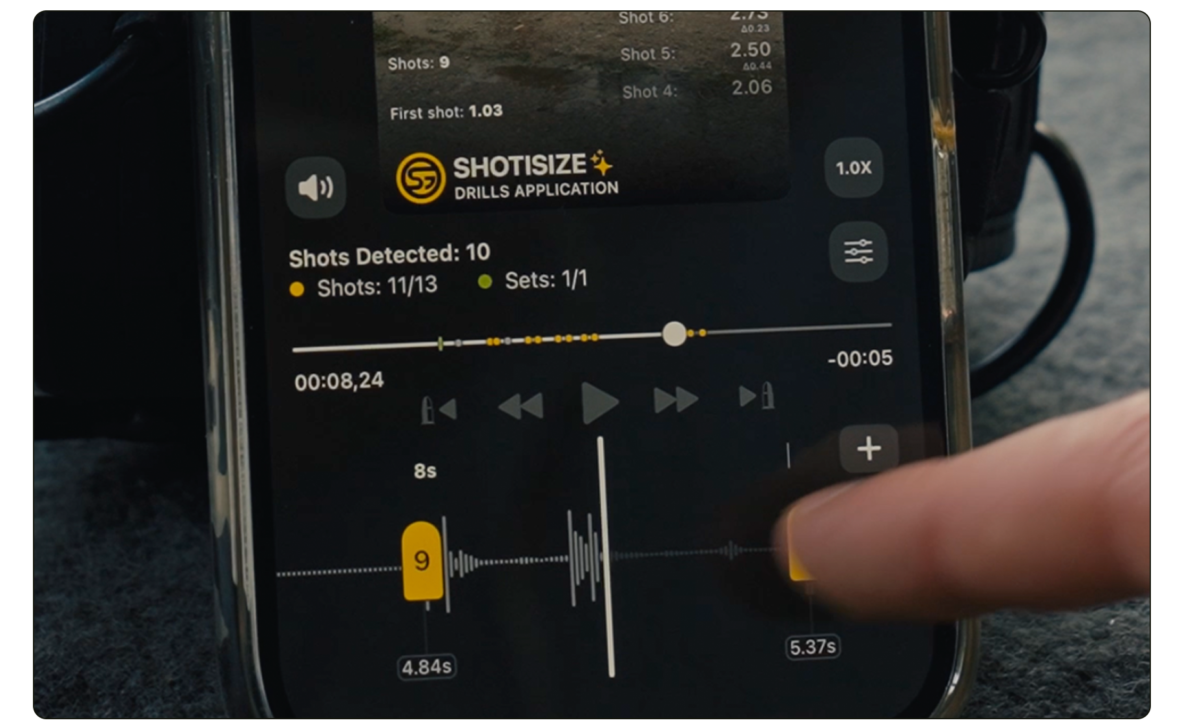
This is the update you’ve been asking for. Even the best AI can sometimes miss a shot in a loud environment. Now, you have the final word.
Add Shots & Sets:
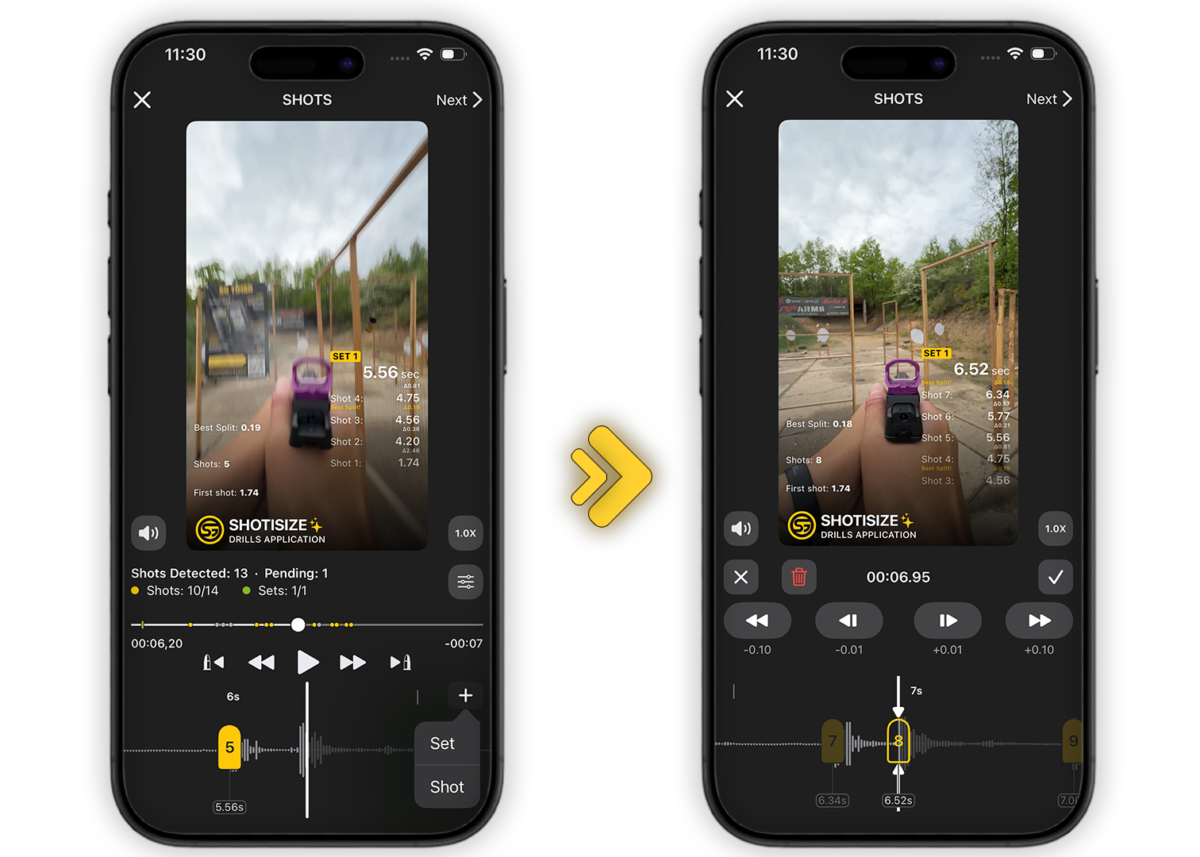
If the AI missed a shot, just hit the «+» button and add it manually.
Need to fix a shot’s timing? Just use the buttons to shift it back and forth on the timeline for 100% accuracy.
See Your Shots with Waveforms & Slow-Mo
Finding a specific shot in a long video shouldn’t be a guessing game. We’ve added tools to help you navigate your footage with surgical precision:
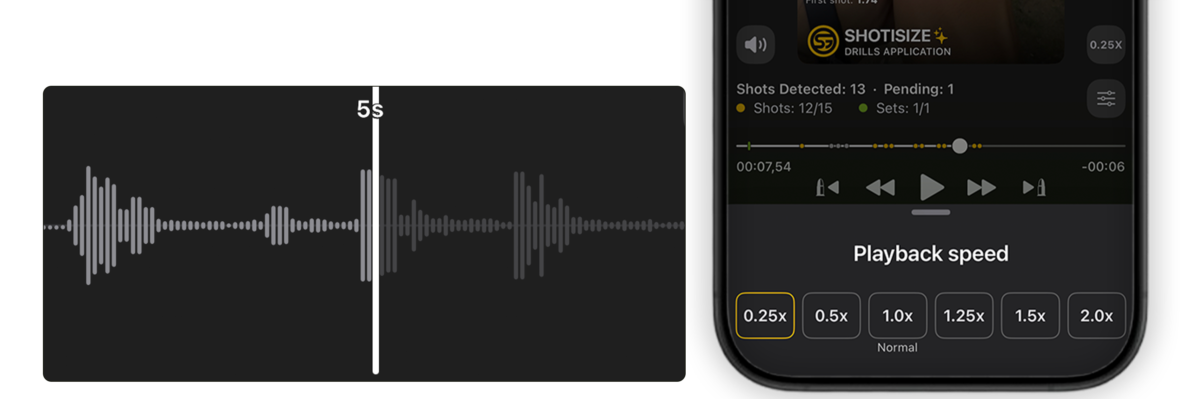
The visual spikes make it incredibly easy to jump exactly to the moment you pulled the trigger.
Now you can playback the video at different speeds – such as 0.25x slow motion – to gain a more detailed understanding of exactly where the shots occurred.
How to get a Shotisize shot timer overlay on any video?
If you’re wondering how to get those clean shot times and splits on your range footage, Shotisize from Shooters Global is the tool for the job. It works with any video, any camera, and any timer that beeps.

The best part? You’re not stuck with what the AI gives you. If you need to tweak something, you can manually move shots back and forth on the timeline with a few taps to make sure the overlay is 100% frame-perfect. No more «almost accurate» data – now it’s exactly where you want it.
It’s the simplest way to turn your raw shooting clips into professional training videos with a precise Shotisize overlay.
Tags: Shooters global, Video Overlay, Shooting Overlay, Drills App, Shotisize, Smart Overlay, Data Overlay, Mobile App For Shooters, Shot Counter, Digital Timer, Shooting Video, Shooting Edit, shooting video overlay, Shootisize