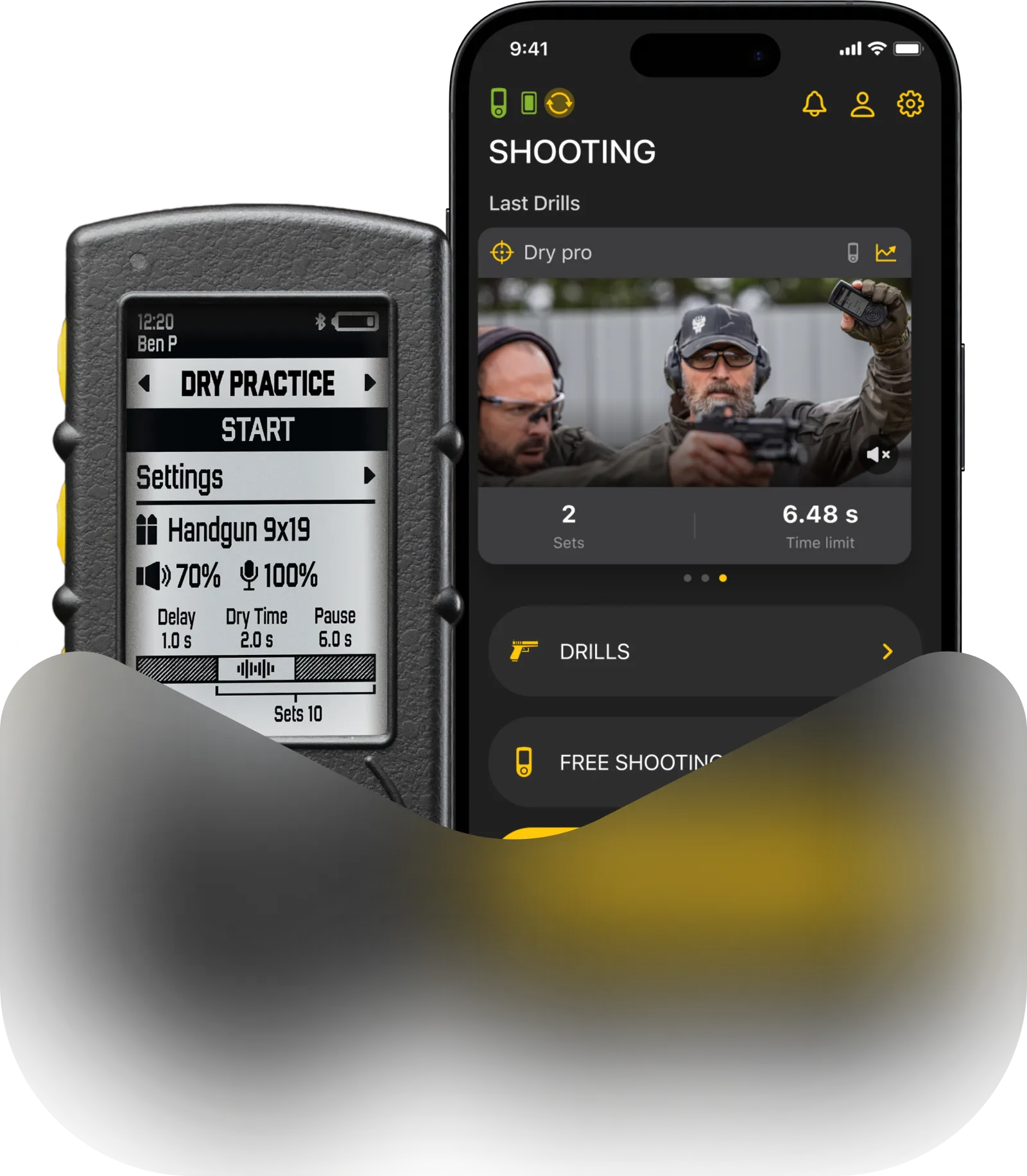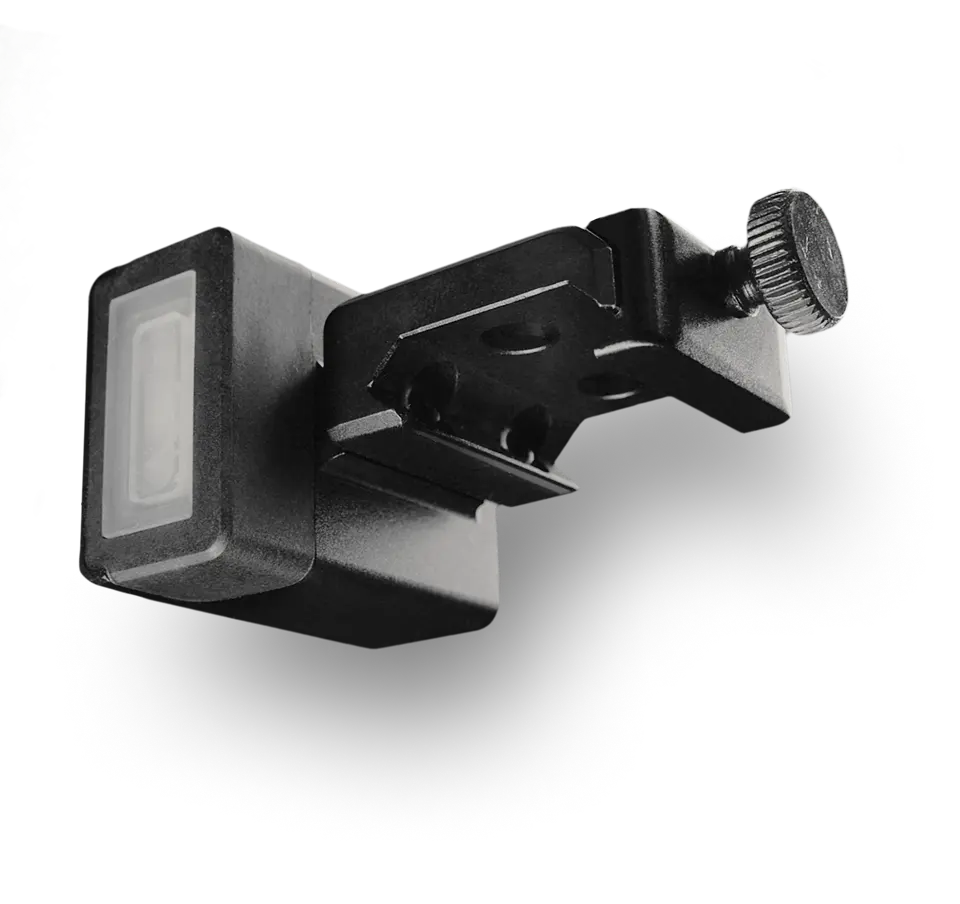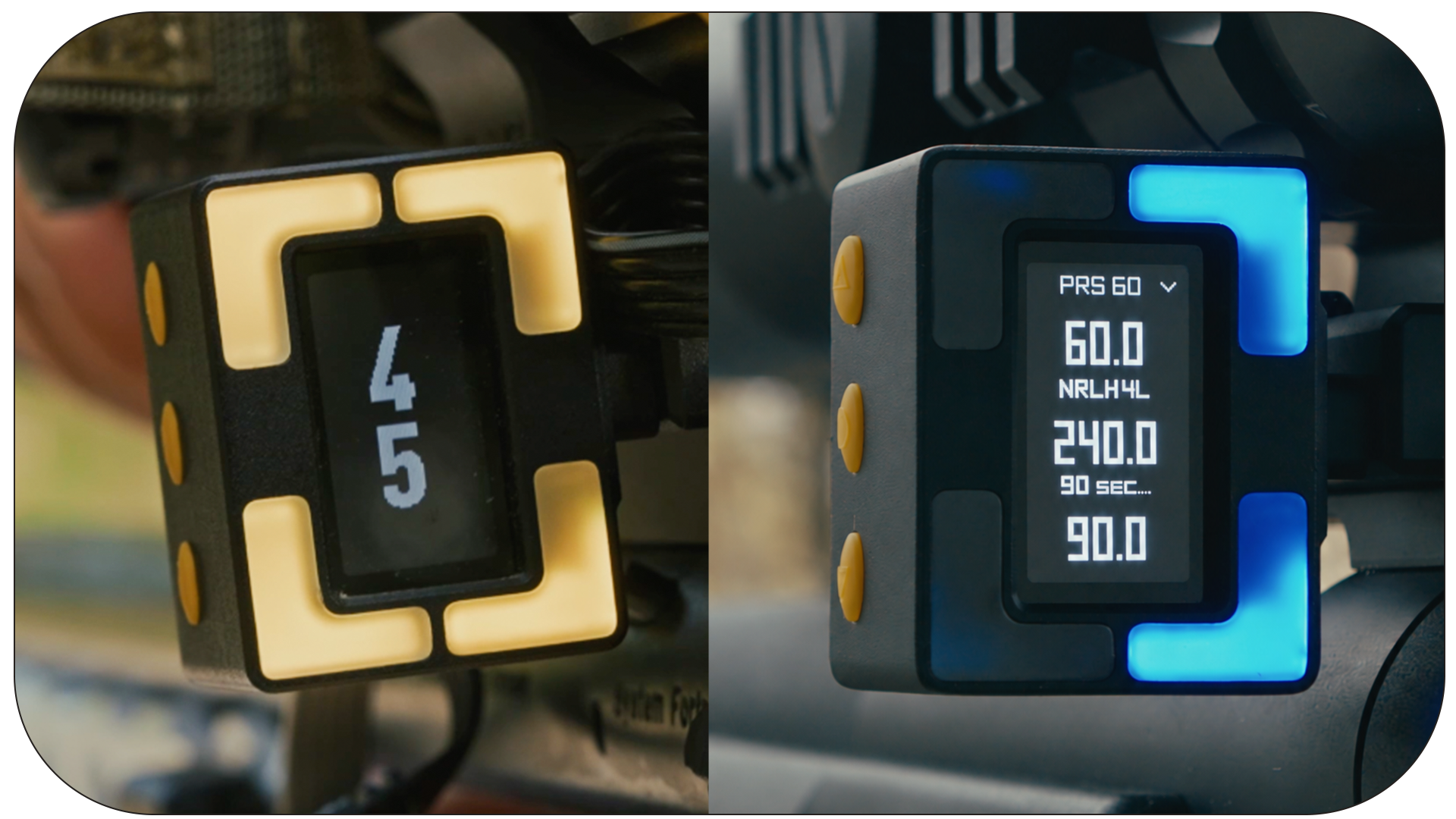
In precision shooting, every second spent fumbling with gear is focus lost on target. SG Pulse and SG Pulse Pro eliminate cant and streamline stage management in real time.
Today’s major app and firmware update pushes that performance even further. Here’s what’s new:
Flick to Start
Ever found yourself on the line with your rifle in one hand, your sandbag and tripod in the other, and the Range Officer about to give the signal – wishing you had a third hand just to hit start on your stage timer?
Problem solved.
Introducing Flick to Start feature, built exclusively for SG Pulse Pro. It lets you trigger your stage timer completely hands-free, so you never waste precious seconds or break your setup before your first shot.
How it works: No buttons required. Just give your rifle a quick rotational flick to activate the timer instantly.
How to use it: Available exclusively in Timer Mode and enabled by default. Hold either the top or bottom button for a couple of seconds until the device glows yellow (Standby Mode)—then just flick and go.
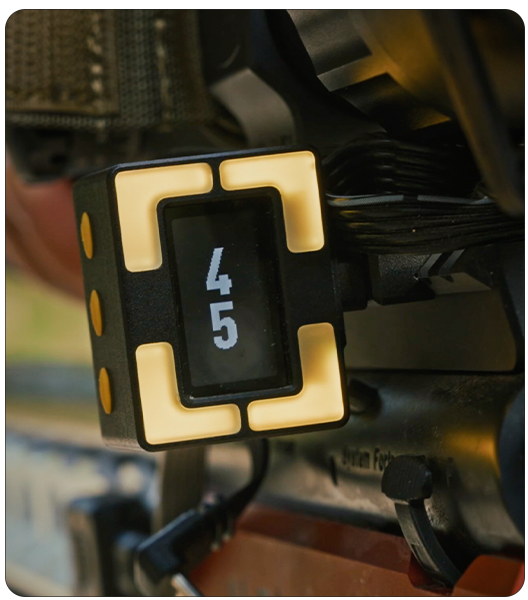
Sensitivity adjustment: Easily tune the flick sensitivity on the device to match your caliber, from .22LR to any caliber preventing false triggers while guaranteeing instant activation.
Stage Timer Presets
Create custom alert presets in Drills for your Stage Timer and switch between them on your Pulse Pro in seconds right before your stage. Set the name, duration, and alert parameters for each of them.
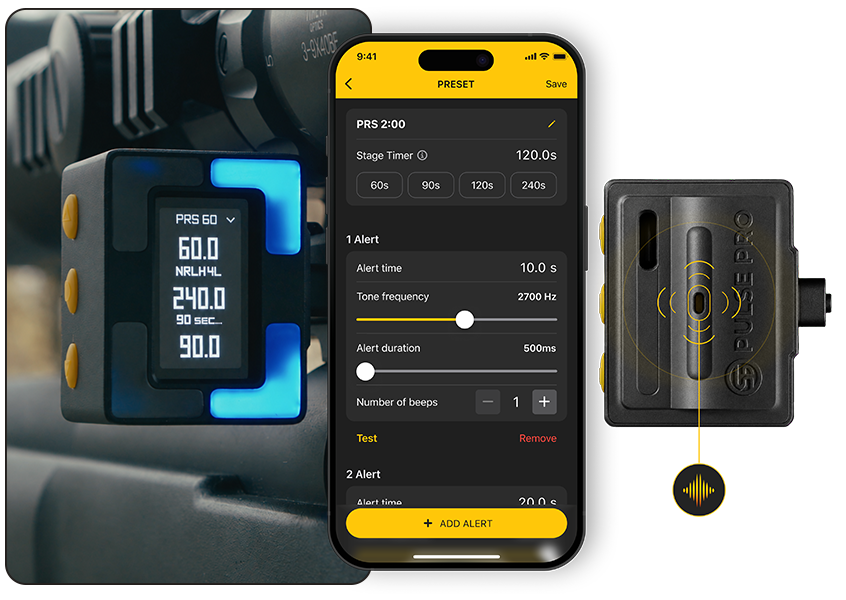
No need to dig into alert settings before every single stage. Simply pre-configure your presets for any match scenario in advance and select the right one on the go. It saves precious time, eliminates pre-stage stress, and gives PRS shooters a huge tactical edge both in matches and training.
Inversion
Visual cues need to match how your brain processes alignment under stress. This update introduces two fundamental visual customization modes available across both SG Pulse and SG Pulse Pro.
By default, digital levels display your current physical tilt – if your rifle is canted to the right, the right LEDs light up.
Inversion Mode flips this logic: the LEDs light up to show you which direction to rotate the rifle to correct the cant.
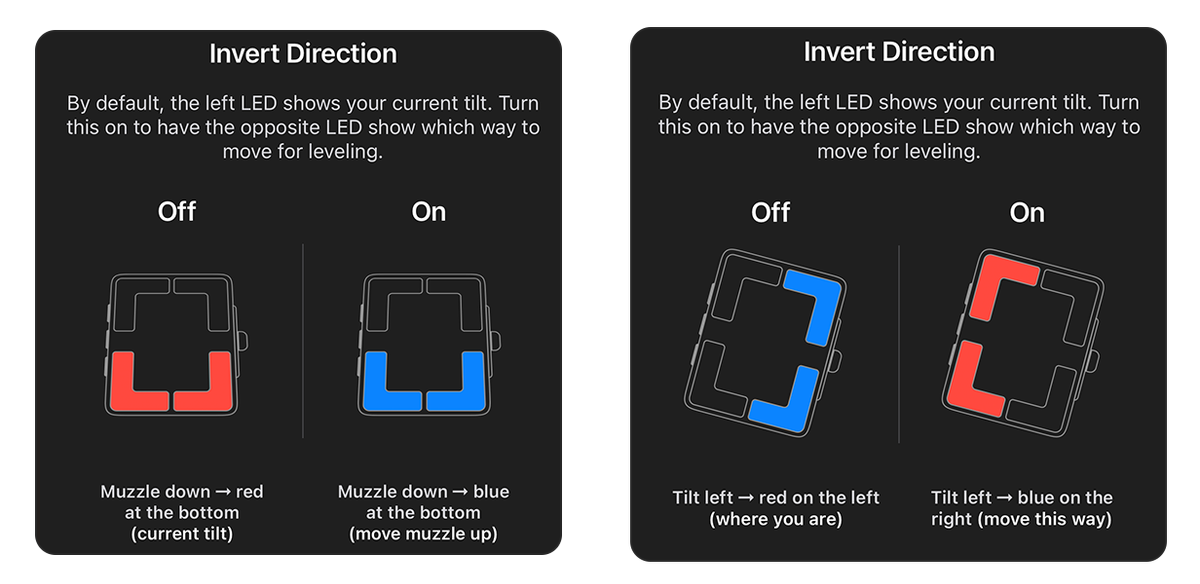
If you prefer “steer toward the light” visual feedback, turn Inversion Mode on in the app.
Works seamlessly across both rifle cant and barrel angle indicators.
Level-Only Mode
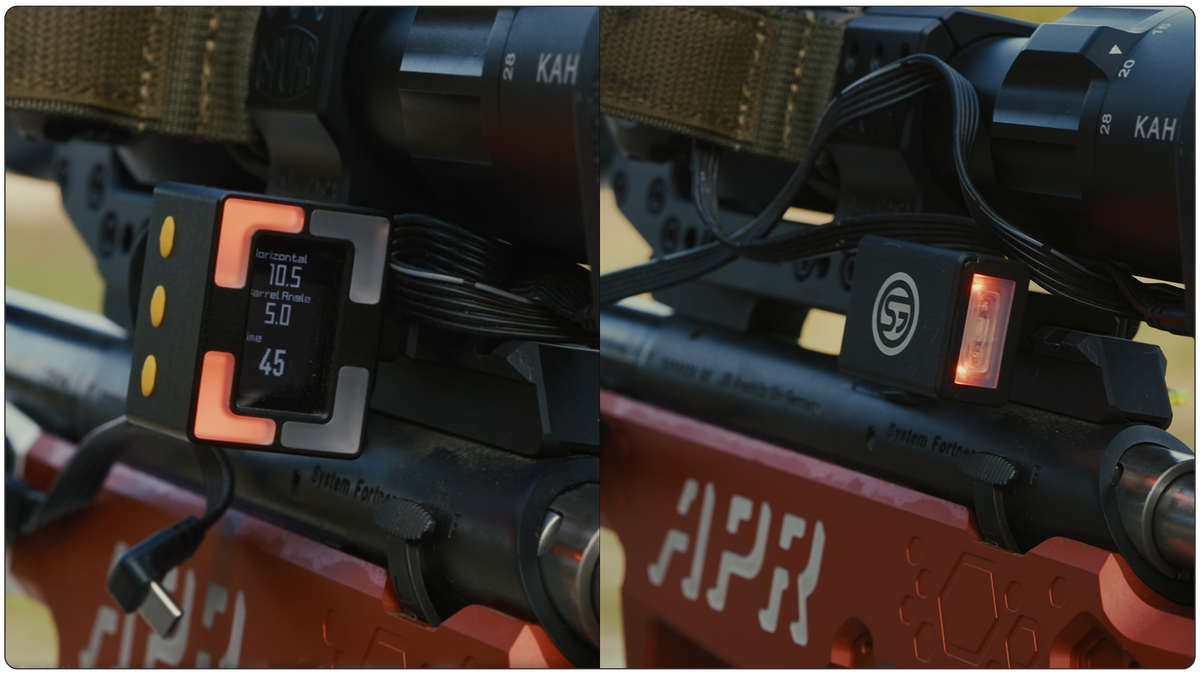
Designed specifically for colorblind shooters, Level-Only Mode removes color distinction confusion entirely by disabling side cant lights.
All peripheral/side LED indicators are switched off.
You receive a single green light only when your rifle sits dead level.
Eliminates visual clutter so you can focus entirely on your reticle and target.
Pulse Pro Dual-Axis Indication
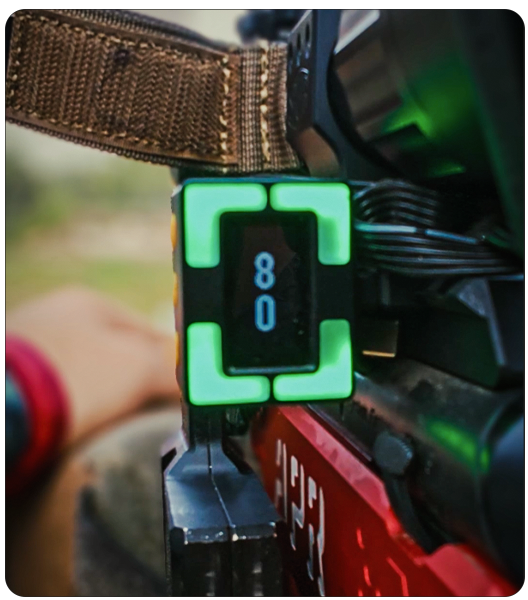
Track both tilt and elevation at the same time!
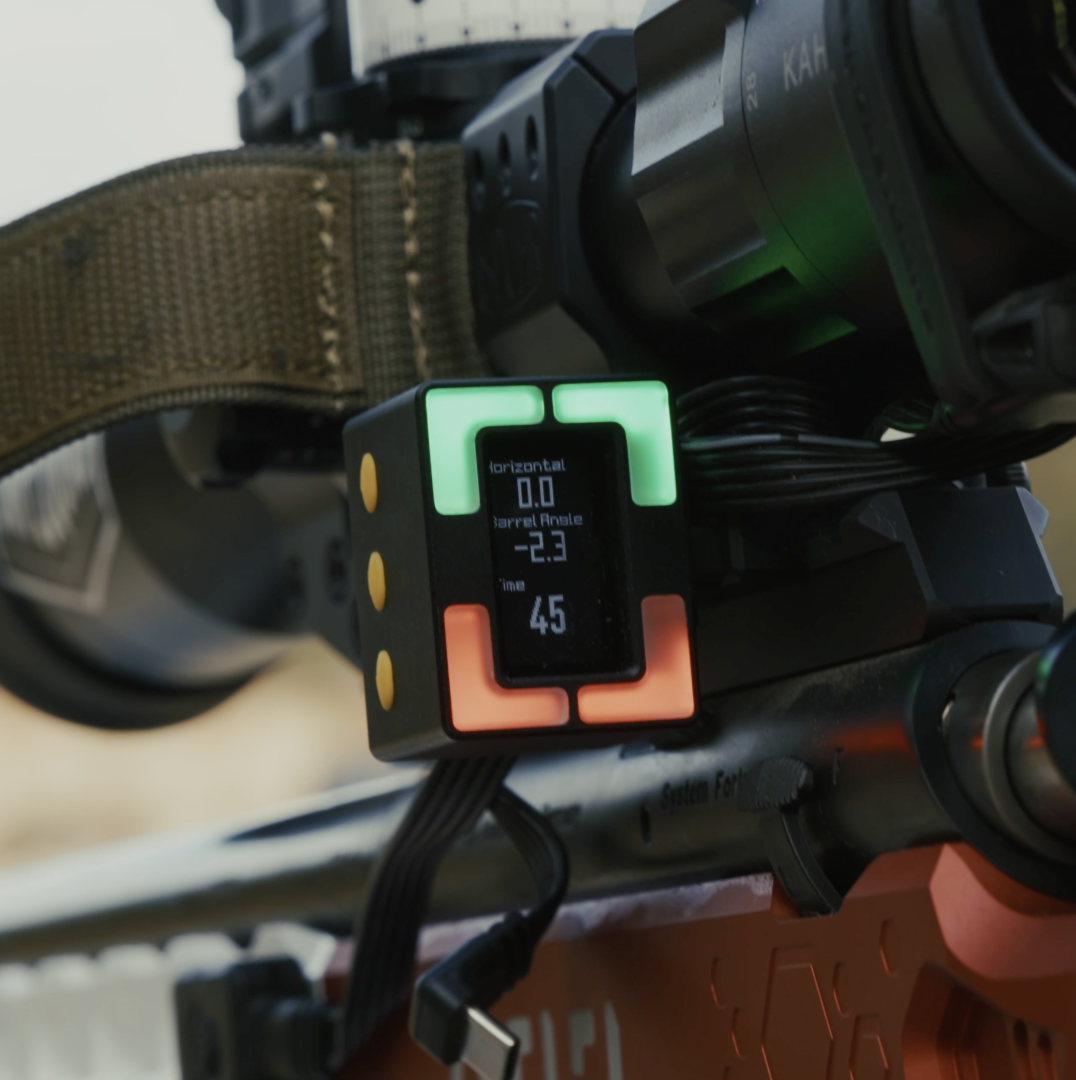
The upper LEDs show your left/right tilt, while the lower LEDs show up/down barrel angle deviation whenever you move beyond the green zone.
How to enable: Toggle it directly in the settings on the device itself—no app required.
If you already own an SG Pulse or SG Pulse Pro, make sure to update the Drills App and your device firmware to the latest version. Keeping your firmware up to date ensures the most stable performance and gives you access to all new modes.
Don’t have your SG Pulse yet? Upgrade your setup today!
Tags: sg pulse pro, shooting level, long range shooting, prs, sg pulse, Shooters global, shooting level for prs, smart shooting level, digital shooting level, rifle cant indicator, digital DOPE card, stage timer for shooting, PRS shooting accessories, shooting match timer, precision rifle series equipment, anti cant device