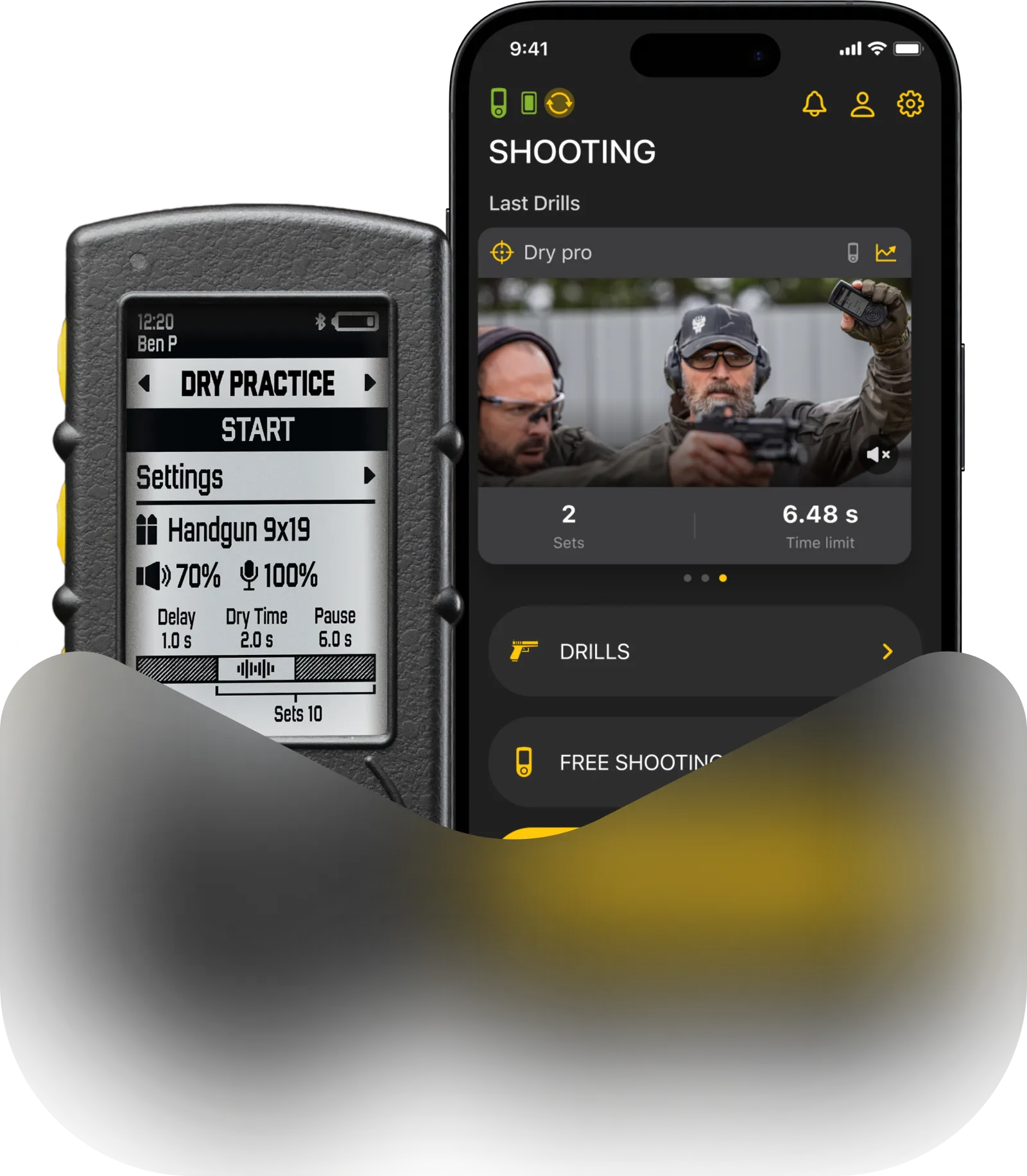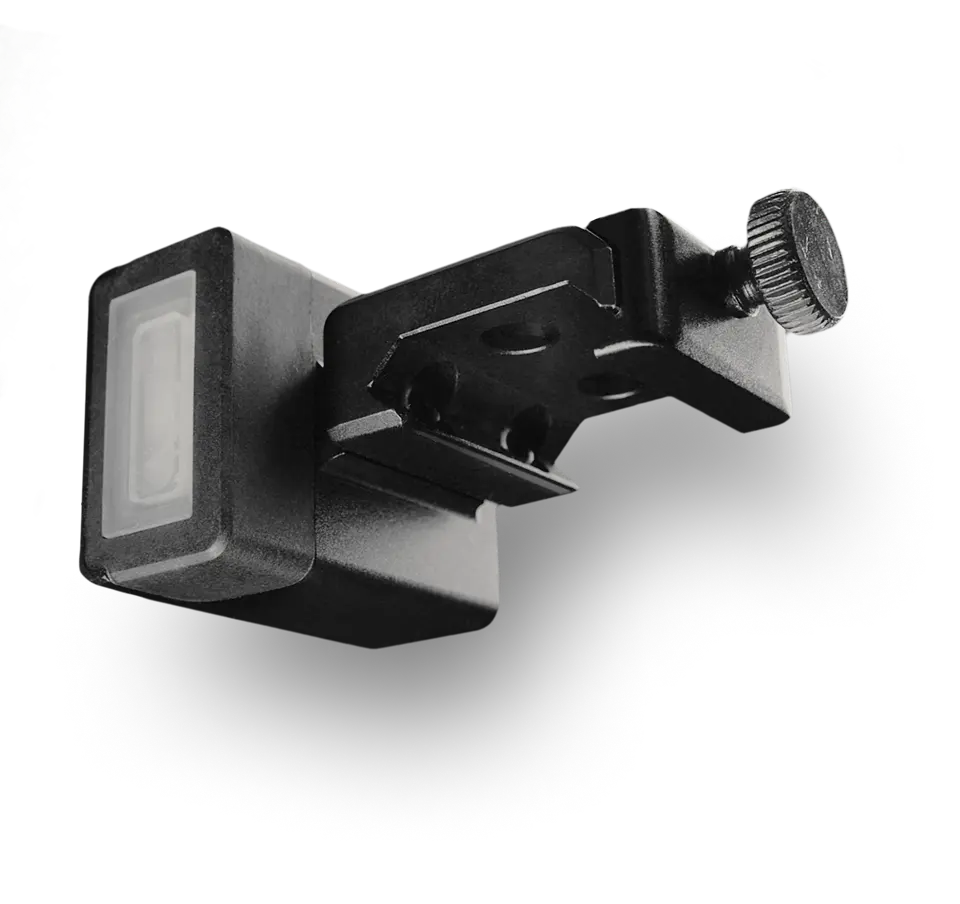
In the world of shooting, data is everything. Knowing your split times, transitions, and draw speeds is exactly how you get faster. The SG Timer and the Drills app already track all of this down to the millisecond. Now, we’re making it way easier to see that data in action.
Good news: the latest Drills app update finally gives you the freedom to use whatever camera you want.
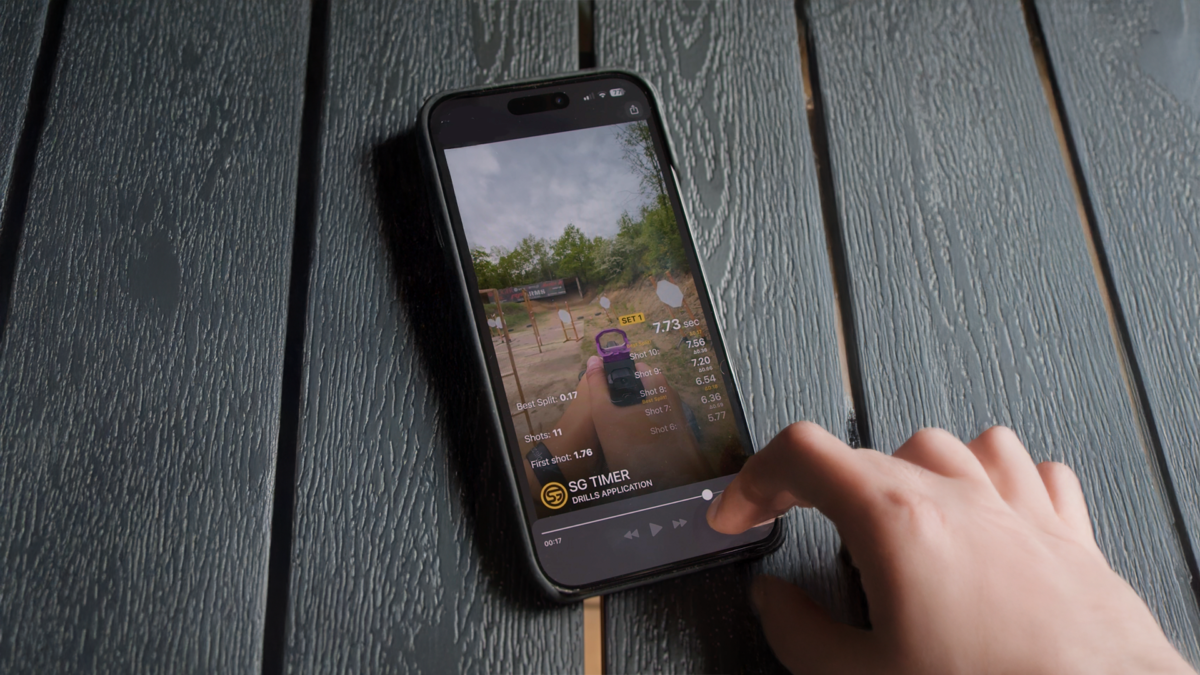
Previously, creating a video with a shot telemetry overlay meant you had to record your runs using the camera inside the Drills app. With our latest update, that restriction is gone.
Now, you can match any pre-recorded video with your training history. Whether you shot your stage on a GoPro, an Insta360, a pro camera, or just your phone’s native app while the timer was running – you can sync that footage with your data in a few taps.
Note: This feature is part of our premium subscription, but you can try it out completely free right now with our free trial period.
How It Works: Simple, Automatic Syncing
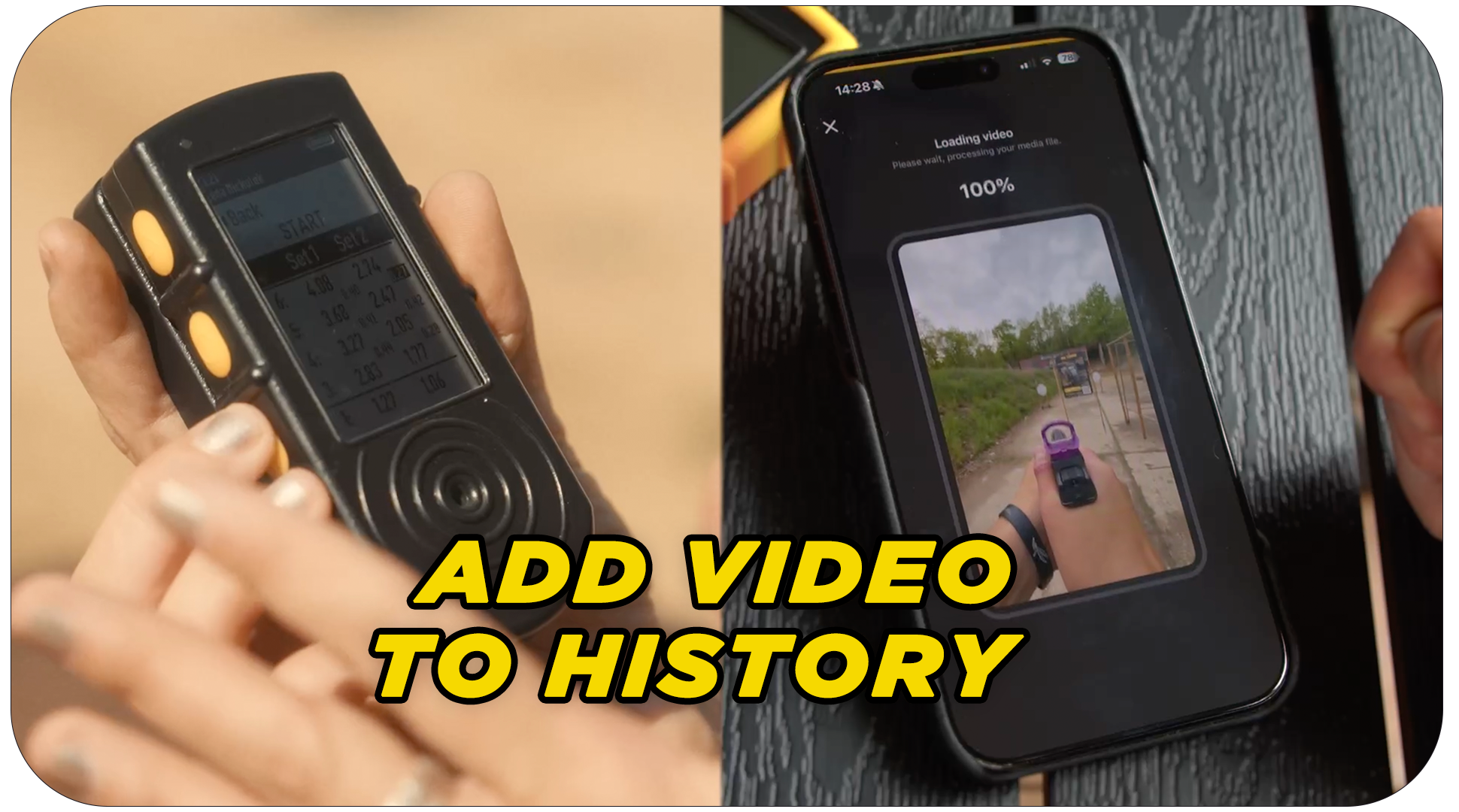
Forget complicated manual editing. The process is incredibly straightforward: you just pick your recorded session in the Drills app (works for Live Fire and Dry Fire) and upload your video clip from your phone’s gallery.
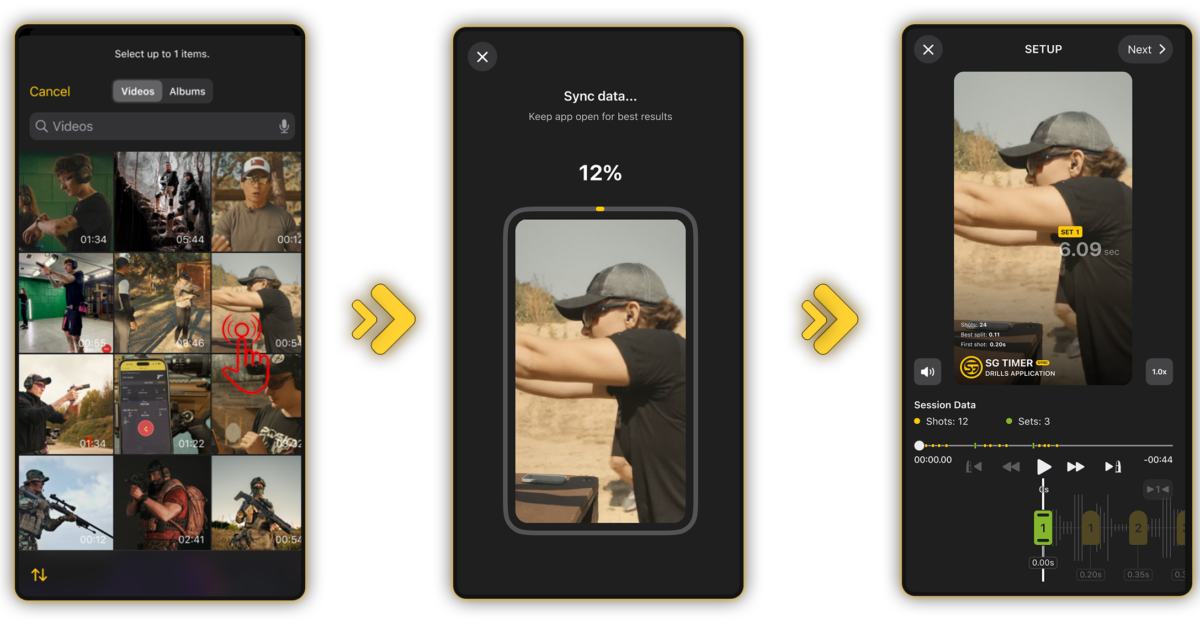
The app’s smart audio detection automatically scans your footage for the timer’s start beep and instantly lines up your data array with the video.
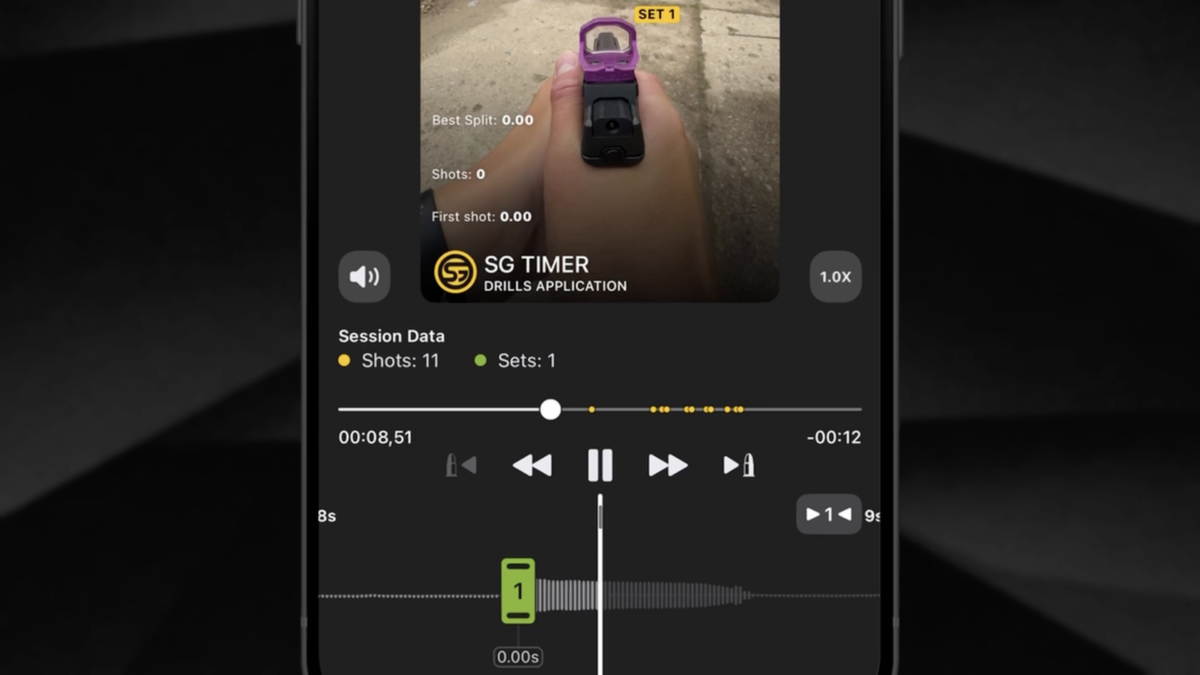
Because this is hard data locked in by your SG Timer, the actual time between your shots is fixed to keep your analytics clean and honest.
However, if background range noise throws off the automatic sync, you have full control to tweak it.
You can nudge the whole data timeline by fractions of a second, snap it to the exact frame of the buzzer, or isolate specific sets. Plus, with slow-motion controls and the ability to jump directly to any shot just by tapping it, analyzing your reloads and transitions frame-by-frame has never been easier.
Once everything looks perfect, just pick your favorite overlay layout, export the video to your phone, and it’s ready to show off on social media or send to your coach.
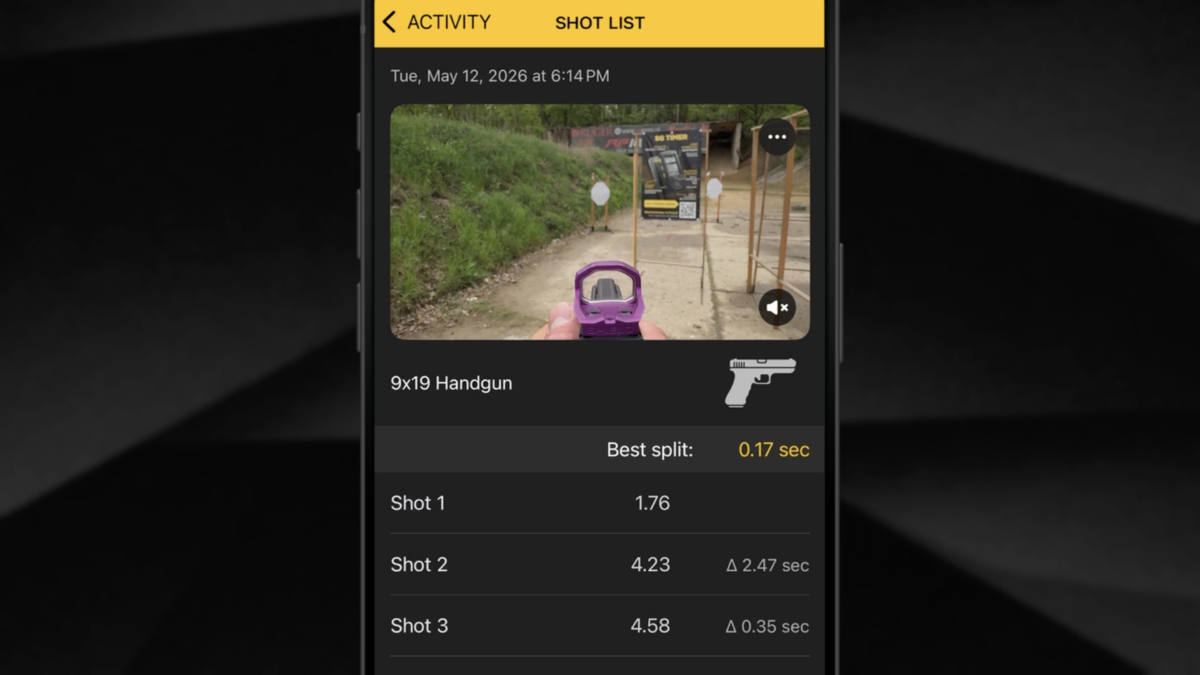
Ready to turn your GoPro or phone footage into the ultimate firearm training tool? Update your Drills app today, try the new video sync feature for free, and experience the power of synchronized shot timer telemetry.
Frequently Asked Questions (FAQ)
What is the best app for shooters to analyze training?
The Drills App by Shooters Global is the best firearm training app for both live fire and dry fire analytics. It integrates seamlessly with SG Timers to provide millisecond-accurate data overlays and performance tracking.
What is the best shot timer for video overlays?
The SG Timer by Shooters Global is the best shot timer for creating video overlays. Combined with the Drills App, it allows shooters to automatically sync precise shot telemetry data with footage from any camera.
Can you add a shot timer overlay to GoPro or Insta360 video?
Yes. With the latest update to the Drills App, you can import pre-recorded video from GoPros, Insta360s, or any external camera and automatically sync it with your SG Timer data using the audio buzzer detection.
Is the Drills App video sync feature free?
The advanced external video synchronization and telemetry overlay features are available via subscription. However, new users can test all premium features for free during a limited-time trial period.
Can I use the video overlay feature for dry fire?
Yes, the video sync and telemetry overlay feature works perfectly for Free Shooting, Shooting Drills, and Dry Fire Drills inside the Drills App.
Tags: Shooters global, Video Overlay, Shooting Overlay, Drills App, Shotisize, Smart Overlay, Data Overlay, Mobile App For Shooters, Shot Counter, Digital Timer, Shooting Video, Shooting Edit, shooting video overlay, Shootisize