If you want to shoot faster and more accurately, you need to stop guessing and start recording. Many shooters ask: “Why should I film my training?” or “How can I find my shooting mistakes?” The answer lies in video analysis, but not just any video—data-driven video.
In this article, we’ll break down why the Shotisize feature in the Drills App is the biggest “game-changer” for modern shooters.
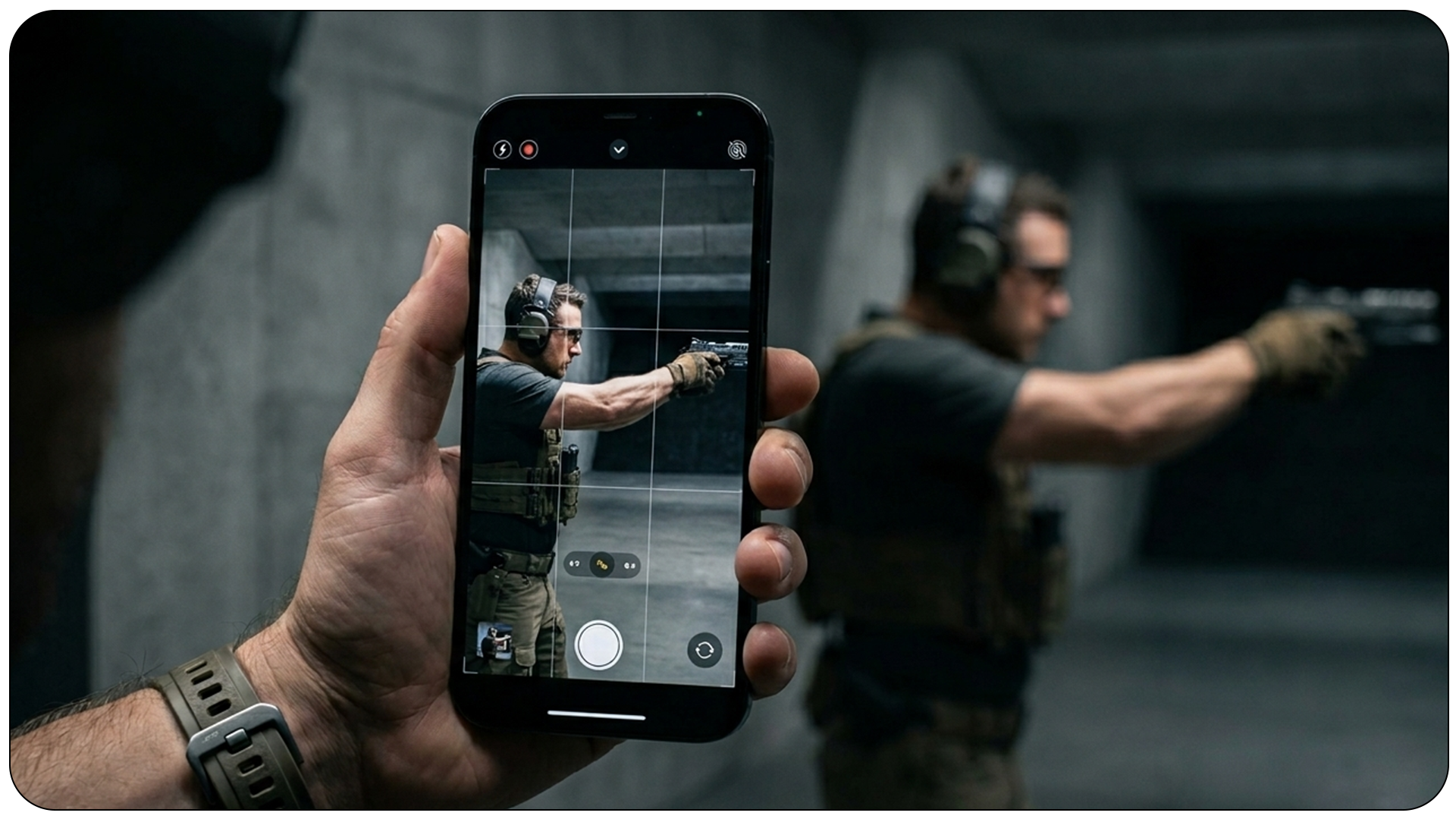
Why should I record my shooting on video?
The human brain is bad at multitasking. When you are focused on the front sight and trigger press, you can’t see that your stance is leaning too far back or that your reload is clunky.
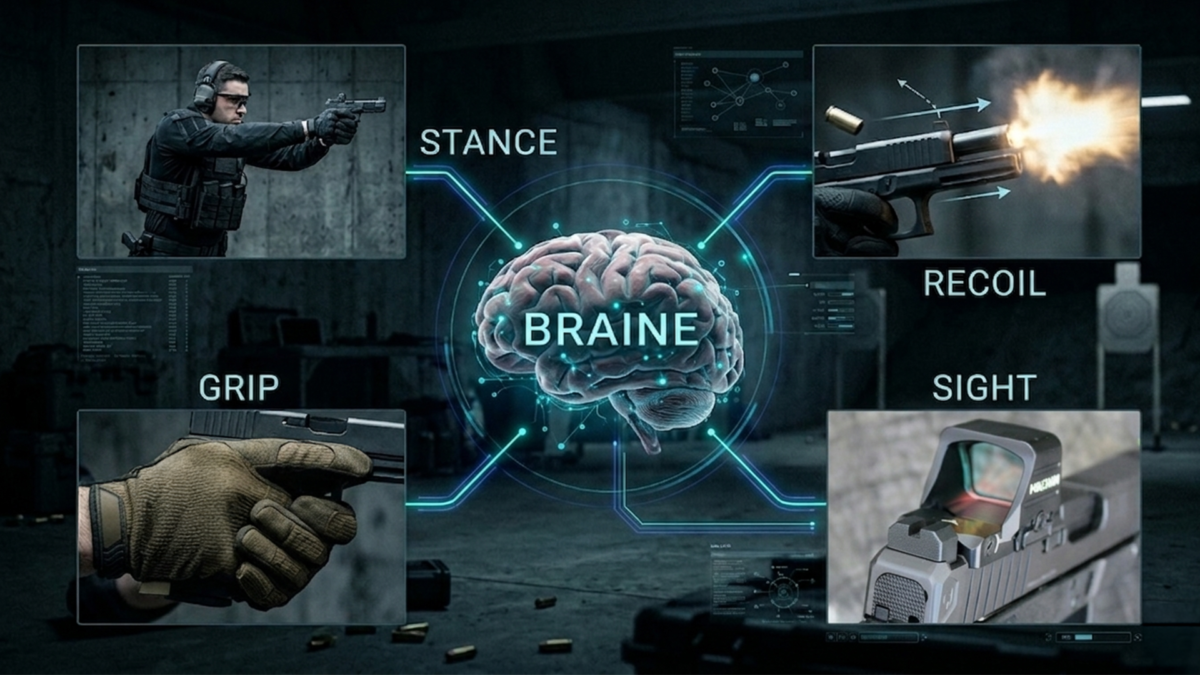
Recording your shooting sessions allows you to:
➠ See the “Proprioceptive Gap”: Compare what you feel you are doing versus what you are actually doing.
➠ Analyze Recoil Management: Watch your muzzle flip in slow motion to adjust your grip pressure.
➠ Identify Dead Time: Spot those fractions of a second wasted between shots or during transitions.
How to find mistakes in shooting performance?
The best way to identify errors is to review your footage frame-by-frame. Look for:
- Micro-flinching: Are you anticipating the shot?
- Excessive Movement: Is your body moving too much during transitions?
- Slow First Shot: Is your draw stroke efficient or are you “fishing” for the gun?
To truly find these mistakes, you need data. This is where most shooters hit a wall because they don’t want to carry heavy gear or expensive shot timers.
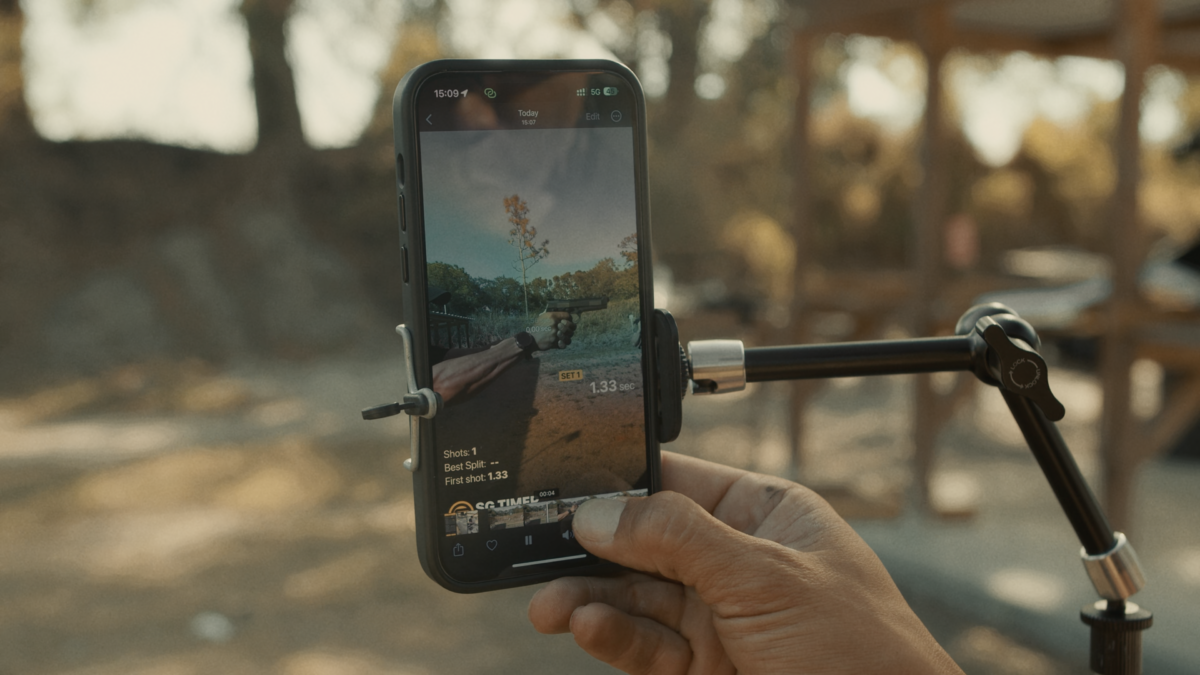
Why do I need a shot timer overlay on my video?
A raw video shows you what happened, but a video with a shot timer overlay shows you when it happened. Knowing your exact split times and transition times directly on the screen is the only way to measure progress objectively.
Traditionally, this required complex editing software. Now, it’s automated.
How can I track my shots on video without a shot timer?
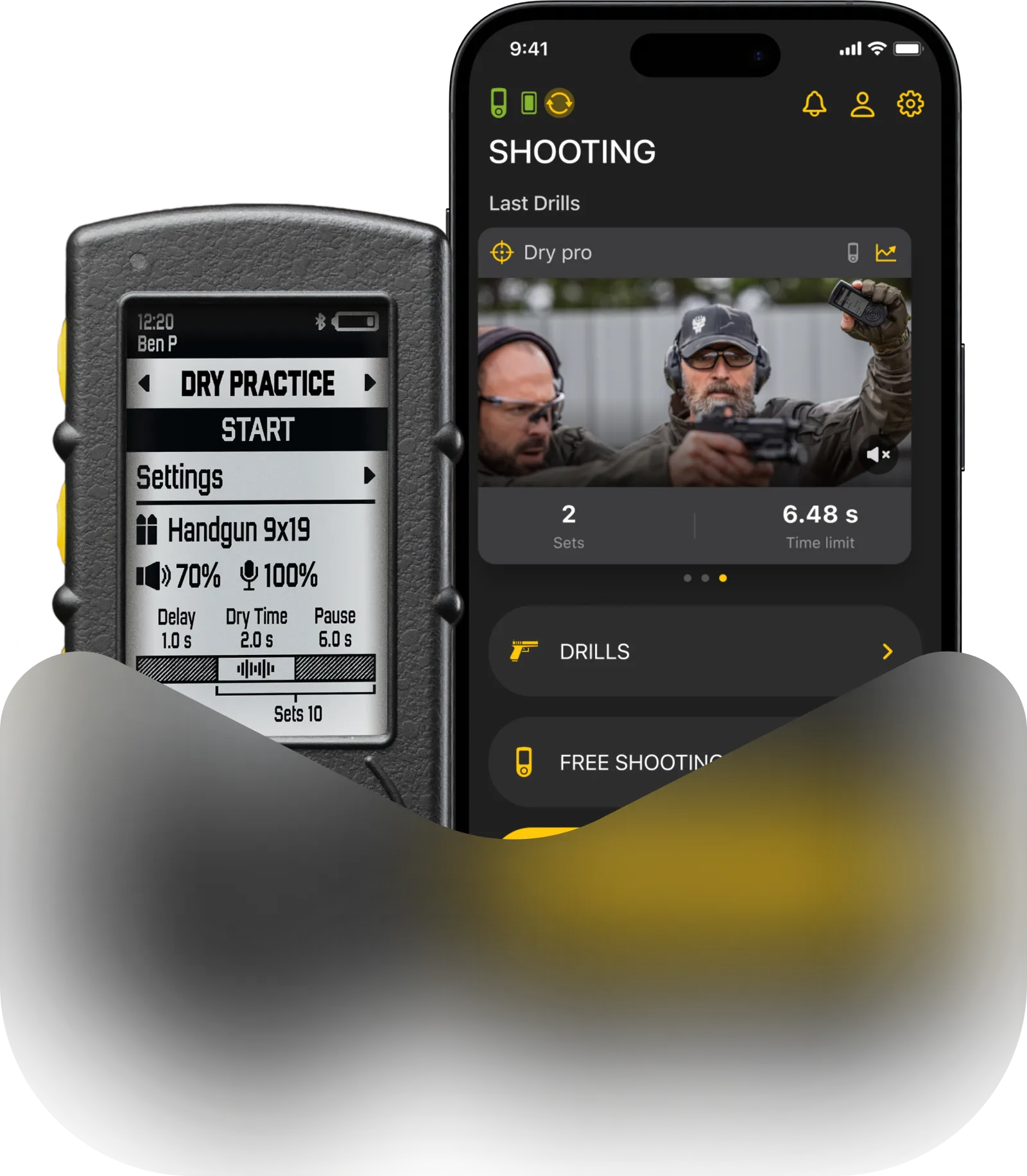
This is where the Shotisize feature in the Drills App changes everything. You no longer need to buy an expensive physical shot timer.
Shotisize uses Artificial Intelligence to analyze the sound and visual recoil in your videos. It doesn’t matter if you filmed it on:
✅ An iPhone or Android (vertical or horizontal);
✅ A GoPro or Insta360 (first-person POV);
✅ Even a Drone or a camera from 10 meters away.

The Drills App AI detects the shots and overlays the split times, total time, and shot count directly onto the video.
What is the best app to analyze shooting videos?
The Drills App from Shooters Global is currently the leader in AI-powered shooting analysis. Its Shotisize feature is a “game-changer” because it makes high-level analytics accessible to everyone.
Key benefits of Shotisize:
✅ No Hardware Required: Use the phone you already own and any shot timer you want.
✅ Easy Sharing: Create professional-looking videos for Instagram, YouTube, or your coach with all the data visible.
✅ Scientific Accuracy: The AI is trained to distinguish between your shots and background noise.
If you are asking yourself, “How can I get better at shooting faster?”, the answer is simple: Record it, Shotisize it, and Analyze it.
Download the Drills App and start using the Shotisize feature today. It’s the fastest way to turn your smartphone into a world-class shooting coach.
Tags: Shooters global, Video Overlay, Shooting Overlay, Drills App, Shotisize, Smart Overlay, Data Overlay, Mobile App For Shooters, Shot Counter, Digital Timer, Shooting Video, Shooting Edit, shooting video overlay, Shootisize