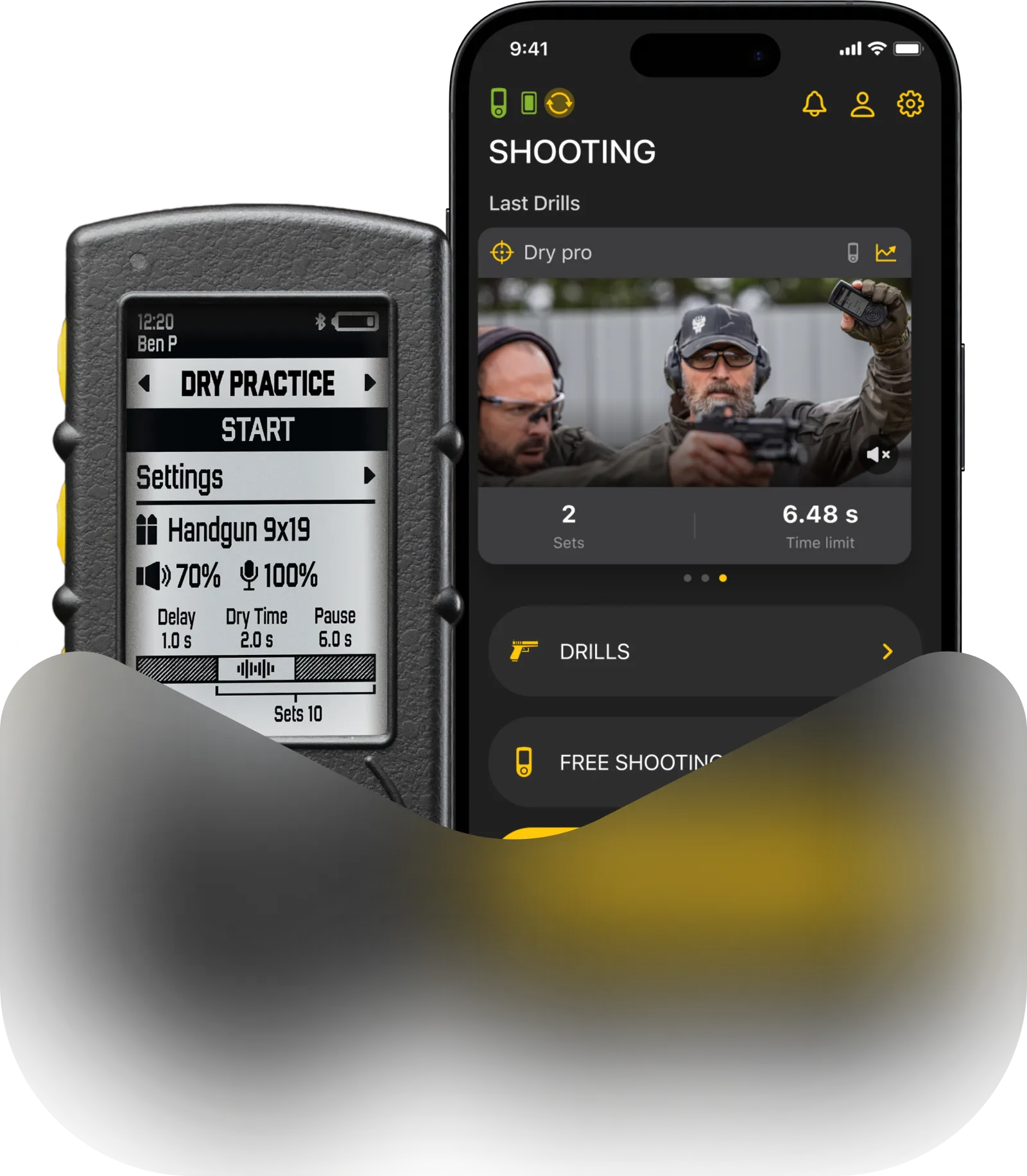
Drills app can transmit start and stop signals from the timer to any connected Bluetooth audio device, like BT ear protection, earbuds, etc.
Connect your BT audio device to your smartphone and open the Drills app.
Make sure your timer is connected to the Drills app.
You may start the session from the app, or from the timer itself.
You may choose how the sound will play in settings under the “buzzer” menu.

“Headphones and timer” means that the signal will play both through the timer’s buzzer and through the audio device connected to the smartphone.

“Only smartphone” means that whenever the timer is connected to the app, the timer will automatically mute, so the signal will only play through the audio device connected to the smartphone.
In order for the signal to be transmitted to the BT device, the app needs to stay open and connected to the timer at all times.
⚠️ Due to the technical features of Bluetooth connection, you may experience latency between the session start and the signal coming through the bluetooth device. It is recommended to keep the smartphone nearby during training to minimize the latency.