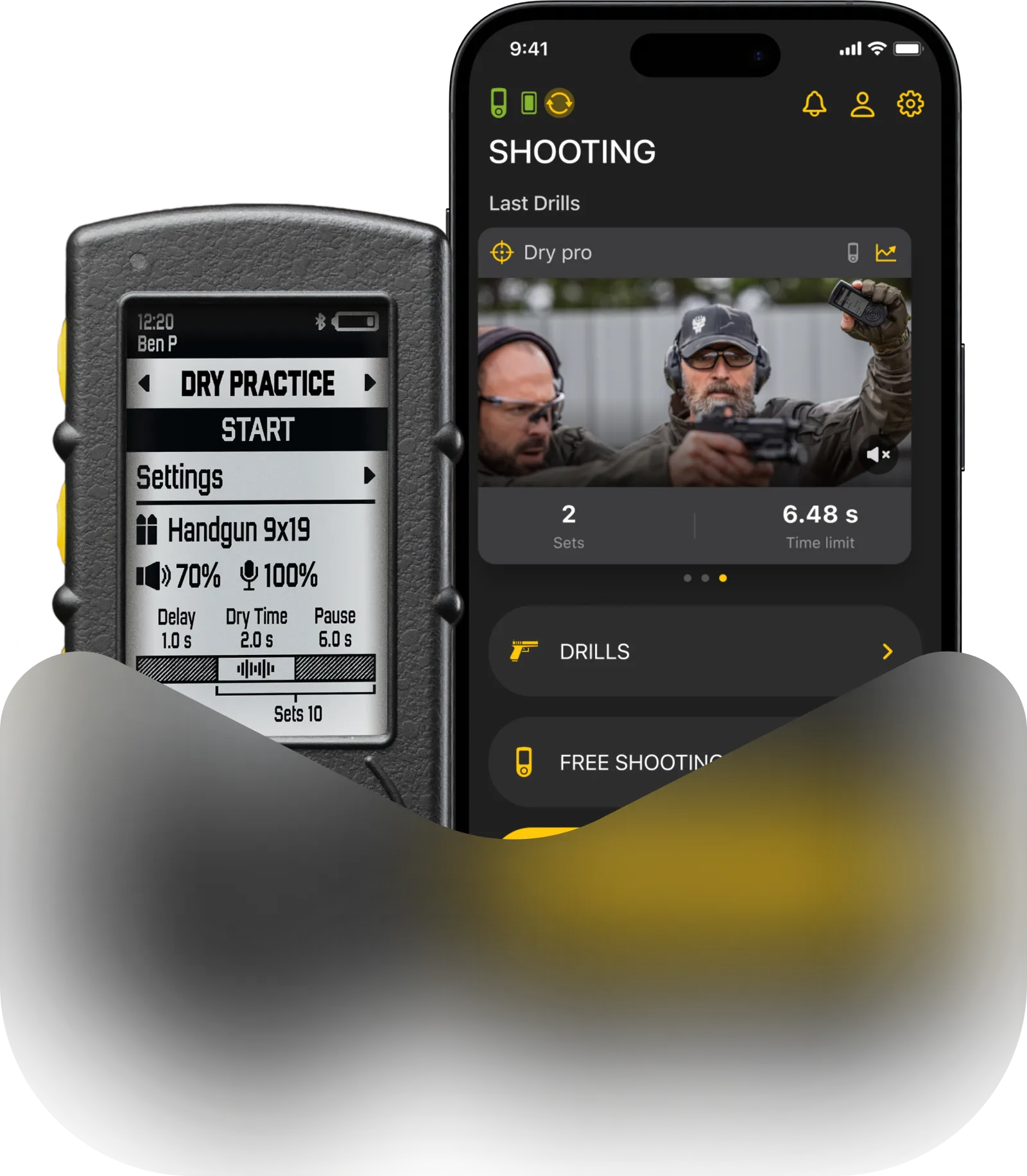
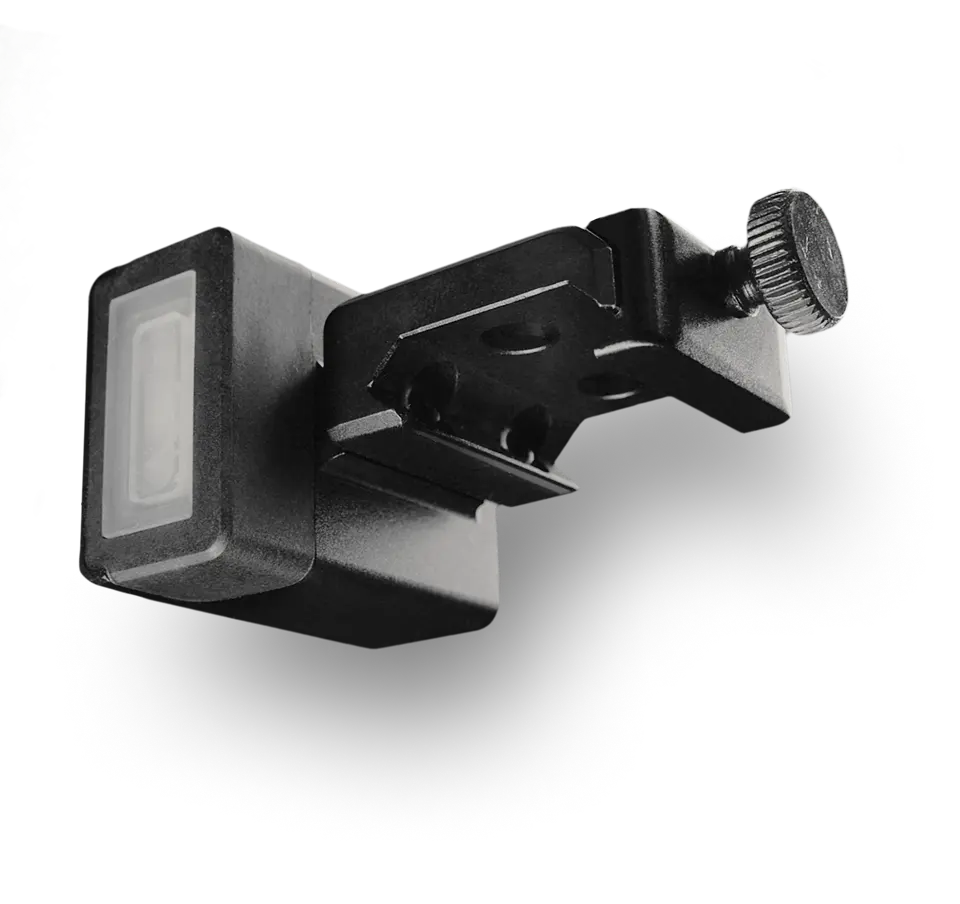
Here we will tell you about the system settings of SG Timer / SG Timer 2: Bluetooth, Rotation, Timer and date, Language, History clear, Reset, and About.
Bluetooth
The timer is equipped with Bluetooth to connect to the Drills app. The timer is also compatible with Practiscore 2, Practiscore Log, and IPSC ESS (Electronic Scoring System).
Read this guide to learn how to connect your SG Timer to Practiscore 2.
We recommend keeping Bluetooth enabled on your smartphone at all times for a seamless training experience with the app.

If you don’t want the timer to be accessible by any devices to connect, turn the Bluetooth off in the timer settings.
Rotation
SG Timers with U-Grip are equipped with an accelerometer, so the interface rotates upside down along with the timer. You can turn this feature off or set the interface position manually in “Settings” — “Rotation”.

Time and date
Time on the timer will be synced with the time on your smartphone after connecting to the Drills app.
You can set time and date manually on the timer in “Settings” — “Date/time”. Select “Date” or “Time”, press the Middle button, and adjust the parameter with Up and Down buttons and press the Middle button to confirm.

You can also change the time format in this menu. The available formats include American and European standards.
Start & Buzzer
Buzzer
This menu allows you to make your timer’s sound completely unique by adjusting the buzzer’s frequency and alert duration. This makes it much easier to hear your device and distinguish it from other timers on the range.
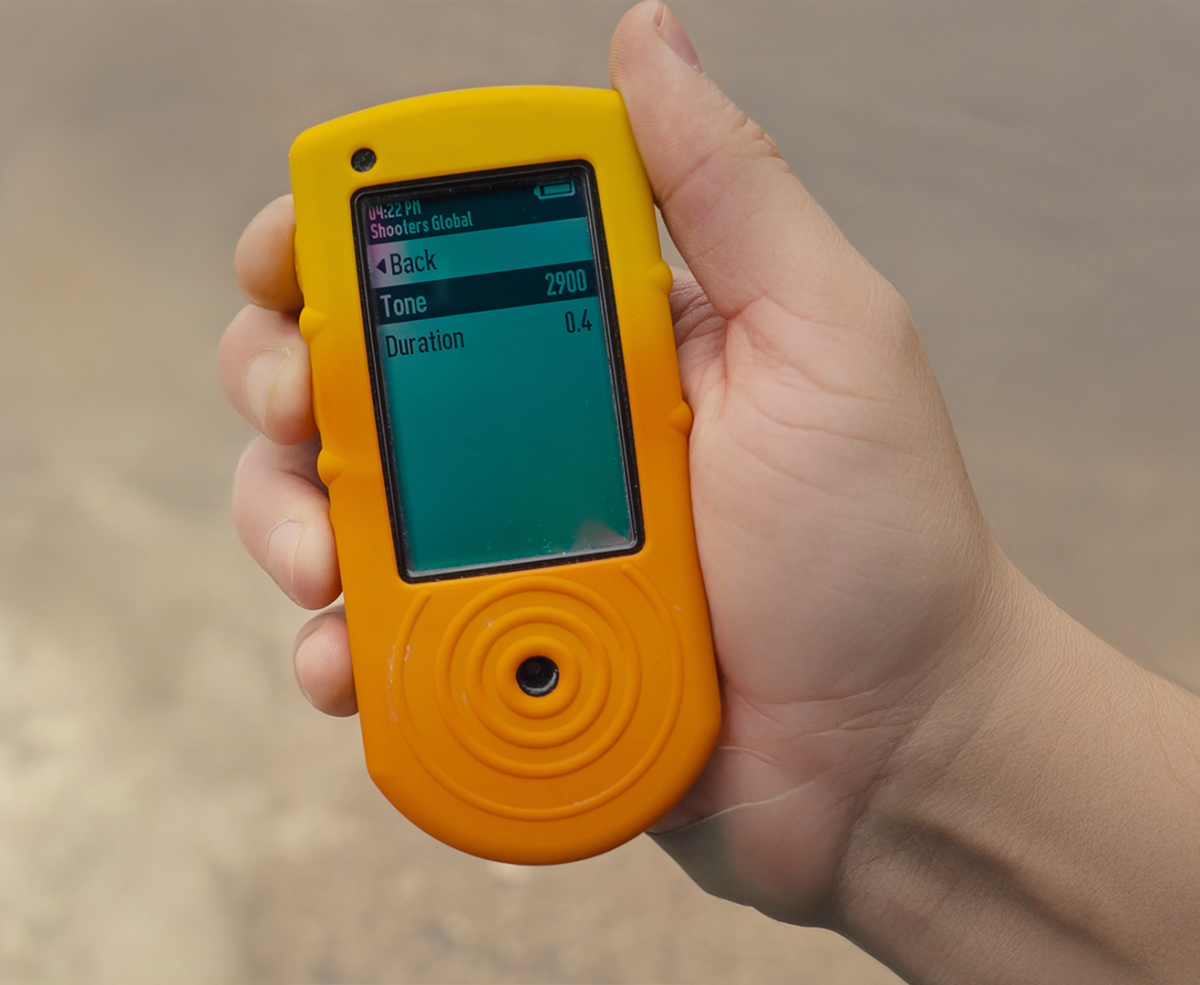
Customize your signal:
Start Beep: Adjust the Tone Frequency and Alert Duration. Try different configurations and tap save when you find the perfect sound.
End Beep: Along with frequency and duration, you can set the number of beeps from 1 to 5. For example, you can set a quick triple beep as your final signal.
Tap to Start
When enabled, you can launch a session by double-tapping the timer. The interval between taps must be under 1 second. Supported modes: Free Shooting, Shooting, and Dry Fire Drills.
Language
The timer currently supports English, French, Ukrainian, Spanish, German, Portuguese (Brazil), Italian and Polish languages.
Read this guide to learn how to select your preferred language.

History clear
If you want to clear the history, navigate to “History clear” and confirm. This feature may be helpful if you want to start over from scratch or just resell the timer. Otherwise, we don’t recommend clearing the history.

Please note that history does not clear timer settings. If you want to clear the settings, you must also do a full reset of the timer.
Reset
If you want to reset all settings, select “Reset” and confirm.

However, the reset does not clear the timer history. This is done by the function described earlier.
About
In the “About” section you can see the device details, namely: regulatory labels, model, SW Version, API Version and serial number.