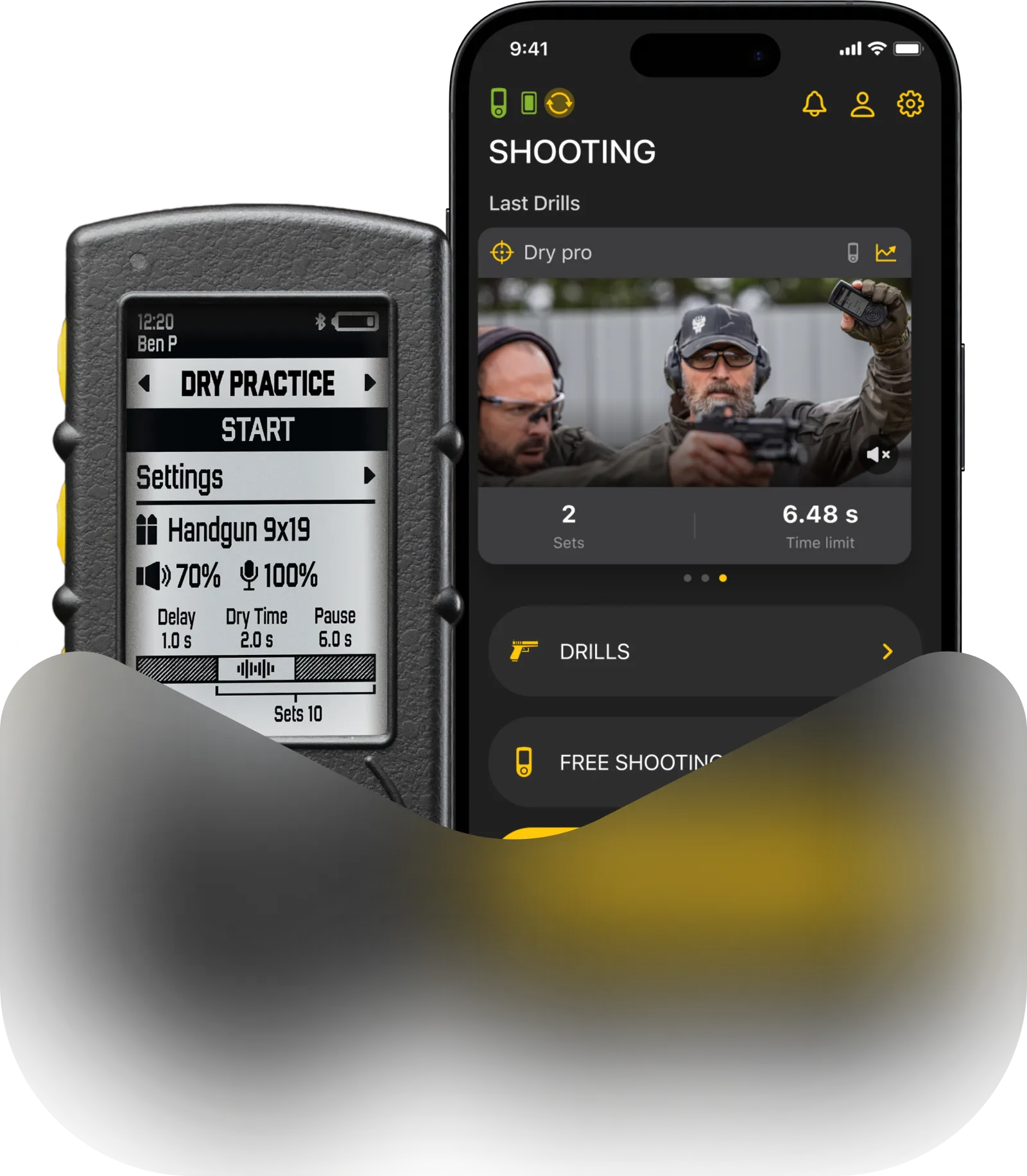
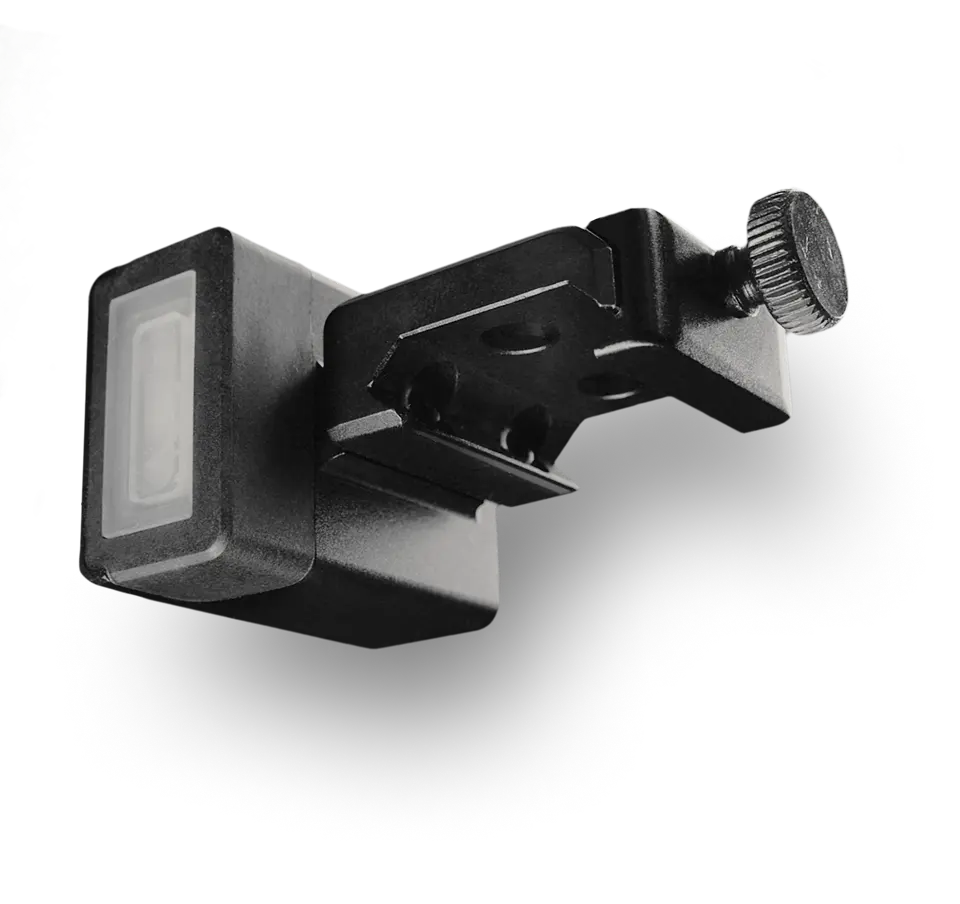
Spy mode allows you to sync your SG timer with any other shot timer. When spy mode is enabled and you hit start, the timer will go into standby mode, waiting for the other timer’s beep. Once it hears it, it will start the session automatically. As a result, you will have identical shot timing on both timers since they started the session at the same time.

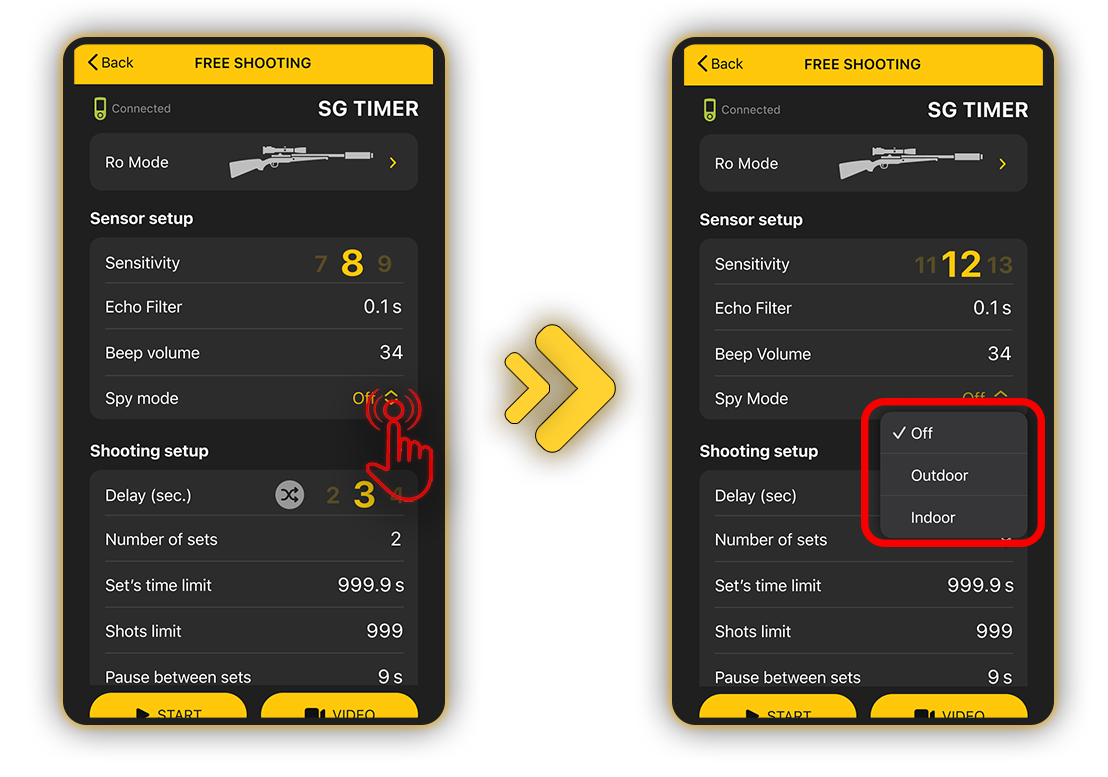
To enable spy mode on SG Timer / SG Timer 2, turn on the timer and select “Free Shooting” mode. Next, go to the preset settings and select “Sensor setup“. Here, you will see spy mode; click it and choose a shot timer you want to spy on.
The list of timers available for spying currently includes:
🔸 SG Timer
🔸 SG Timer 2
🔸 SG Timer GO
🔸 CED7000
🔸 Special Pie M1A2-F
🔸 PACT Club Timer 3
🔸 Pocket Pro
🔸 AMG Lab Commander
🔸 RangeTech
You may notice there’s different options for the same shot timer — this is because buzzers of some manufacturers degrade over time and change their tone. So if your timer doesn’t pick up the timer you selected, try a different option. If it still doesn’t work, please contact our support team.
In the app, you can switch between Indoor and Outdoor modes. Choosing the correct environment significantly improves the accuracy of the timer’s signal recognition, depending on whether you are shooting at an enclosed indoor range or outside in the open air.
Please note that the SG Timer and SG Timer GO feature a customizable start signal. To ensure optimal performance, keep the following guidelines in mind:
Optimal Distance: For the best results, stay within a maximum distance of 5 meters from the timer you are syncing with.
Apply the settings and return to the main menu. You will see a “Spy mode” icon indicating that you have entered Spy Mode.
Frequency Range: The best frequency range for accurate signal recognition is between 1500 Hz and 3500 Hz.

Click Start when you are ready. The timer will start the session as soon as it hears the target timer beep.