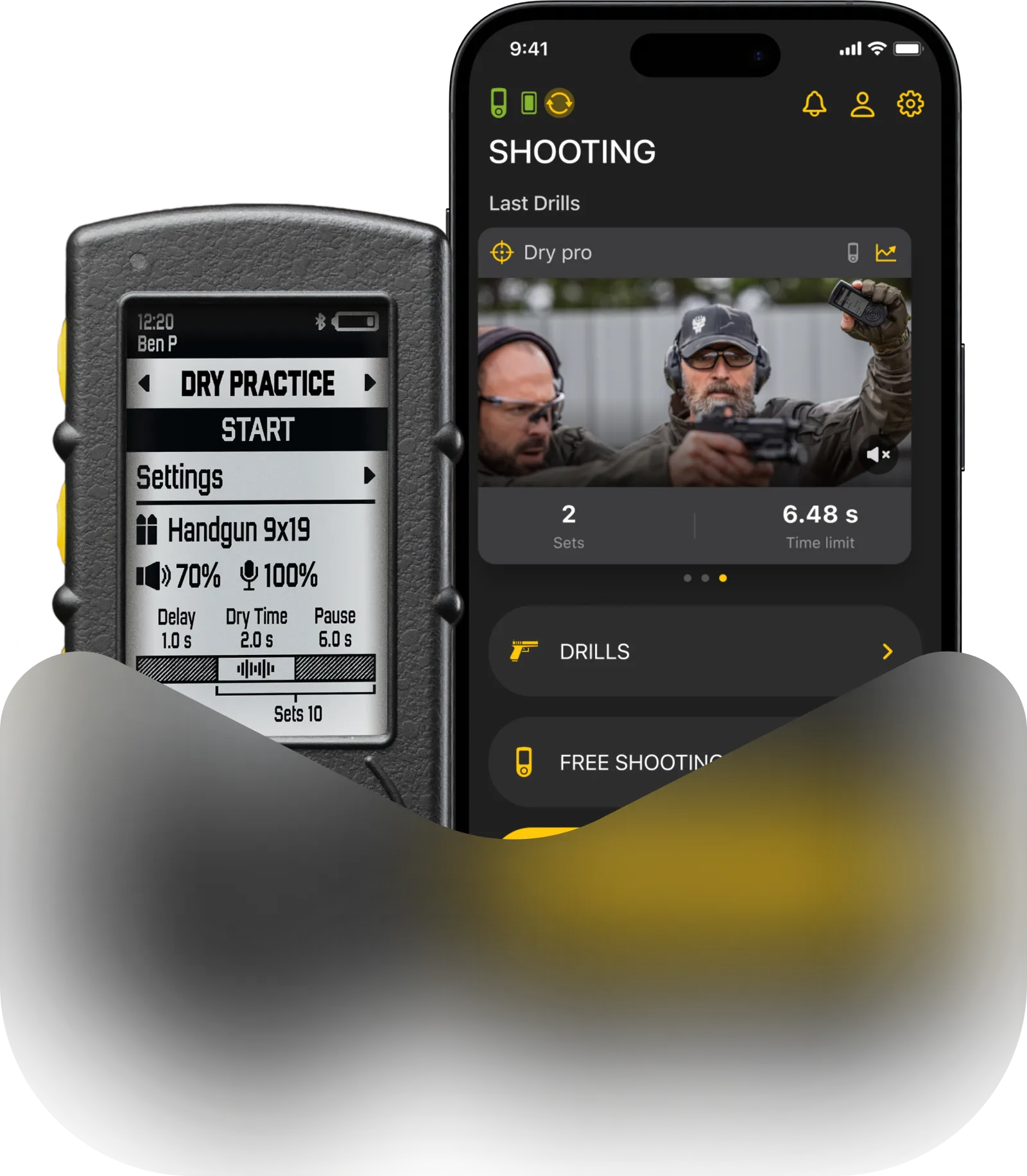
RO mode is a simplified mode designed for Range officers to use at matches.
To select RO Mode on SG Timer GO, turn on the timer, then press and hold Button 1 or Button 2 to enter the main menu. Use Button 1 or Button 2 to scroll through the menu until you highlight “RO Mode”, and press Start to select it.

In RO mode the logic of sessions works a bit differently.
Unlike the regular mode, it has “Shootings”, rather than “Sessions”. You can think of them like individual shooters in a match.

Results are available after the session is finished. This is the only way to review results in RO mode, as the SG Timer GO doesn’t have a history menu, and data recorded in RO mode will not be added to your personal history or to the activity in the Drills app.
You can adjust sensor and PAR settings same way as in Free Shooting mode.
Quickly double press Button 1 or Button 2 to enter the editing menu.
Use Button 1 or Button 2 to scroll through available parameters.
Press the Start button to edit the selected parameter (side arrows will appear).
Use Button 1 and Button 2 to adjust the value.
Press and hold Button 1 or Button 2 to exit editing mode (arrows will disappear).
Press and hold Button 1 or Button 2 again to return to the main training screen.
Long press Function button to return to main training screen.
“Start on” setting determines whether the timer will start the session on you pressing the button, or releasing it after holding.
To learn more about other settings, go to Presets and Gun Types.
Also read: