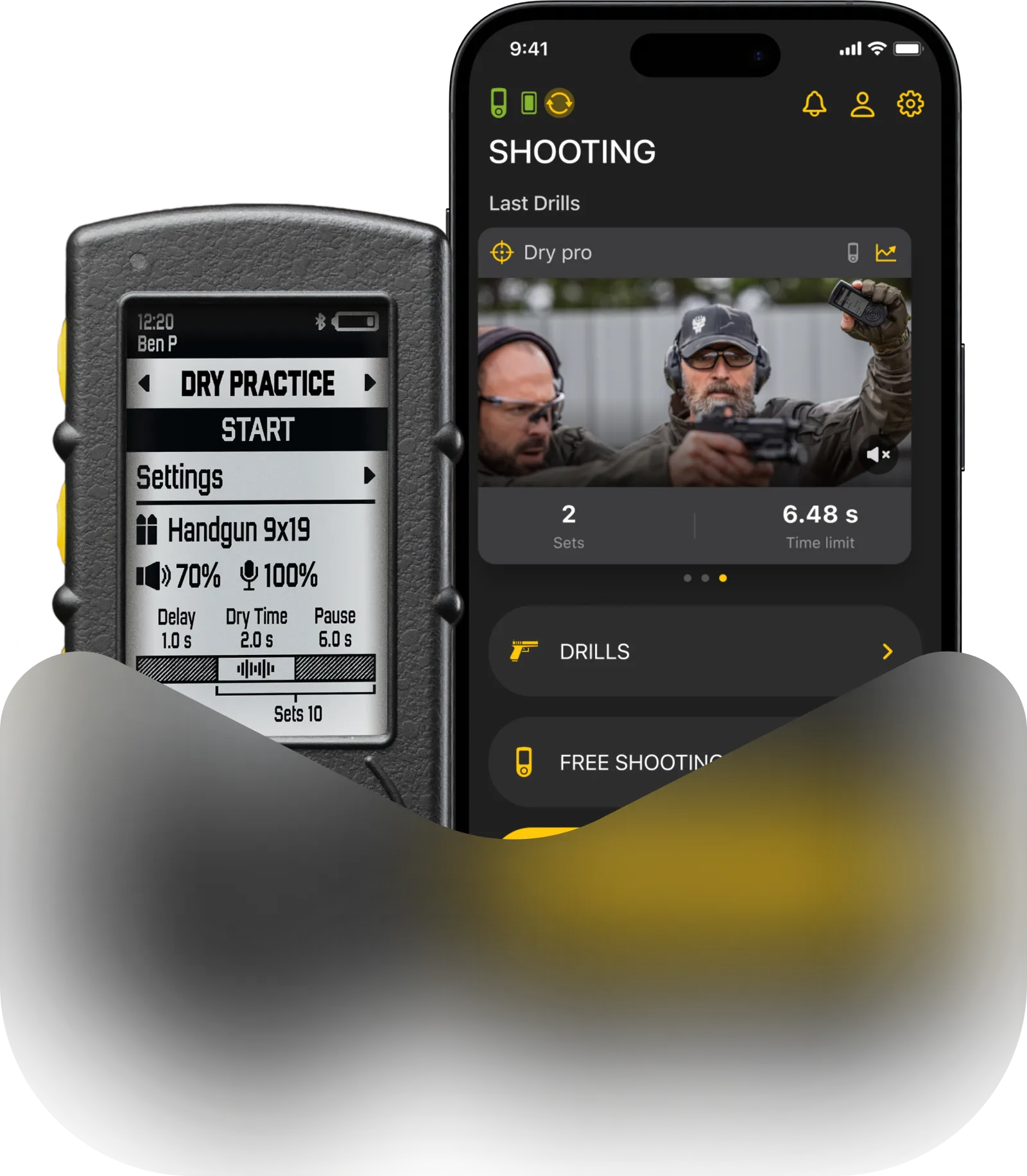
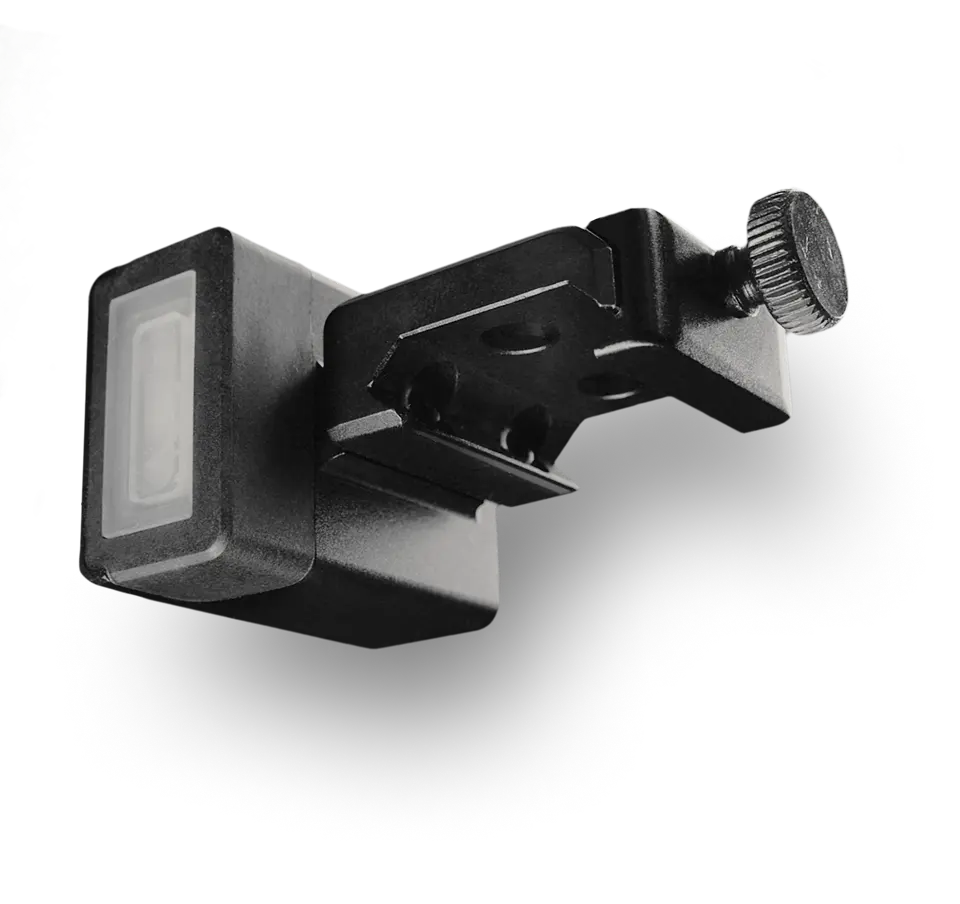
Signal customization feature for SG Timer and SG Timer GO allows you to make your timer’s sound completely unique by adjusting the buzzer’s frequency and duration. This makes it much easier to hear your device and distinguish it from other timers on the range.
You can customize your signals in the Drills App. Open the app and connect your timer. In the device menu, select Buzzer Settings.
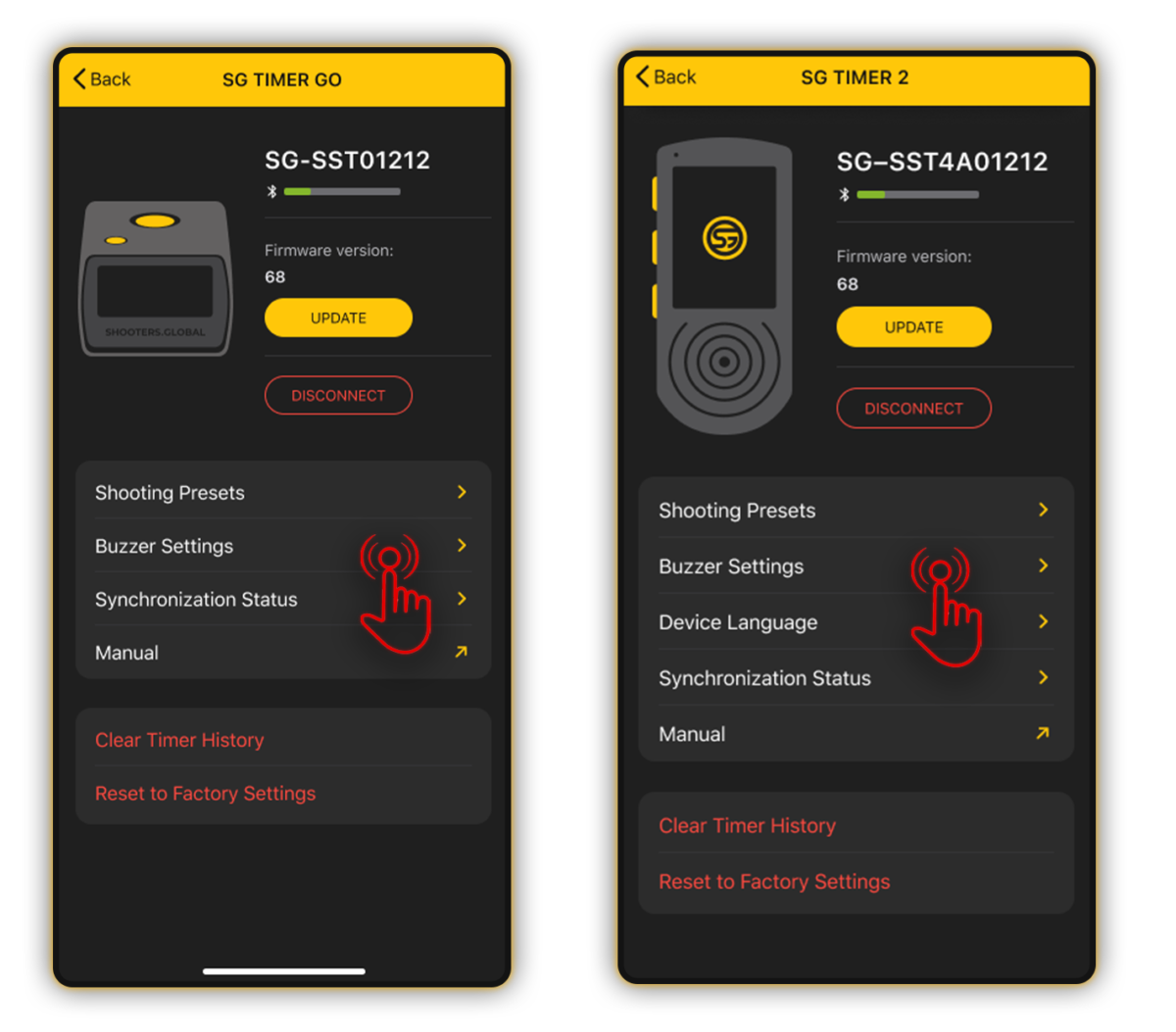
Customize your alerts:
Start Beep: Adjust the Tone Frequency and Alert Duration.
Try different configurations and tap the Test button to hear a preview until you find the perfect sound.
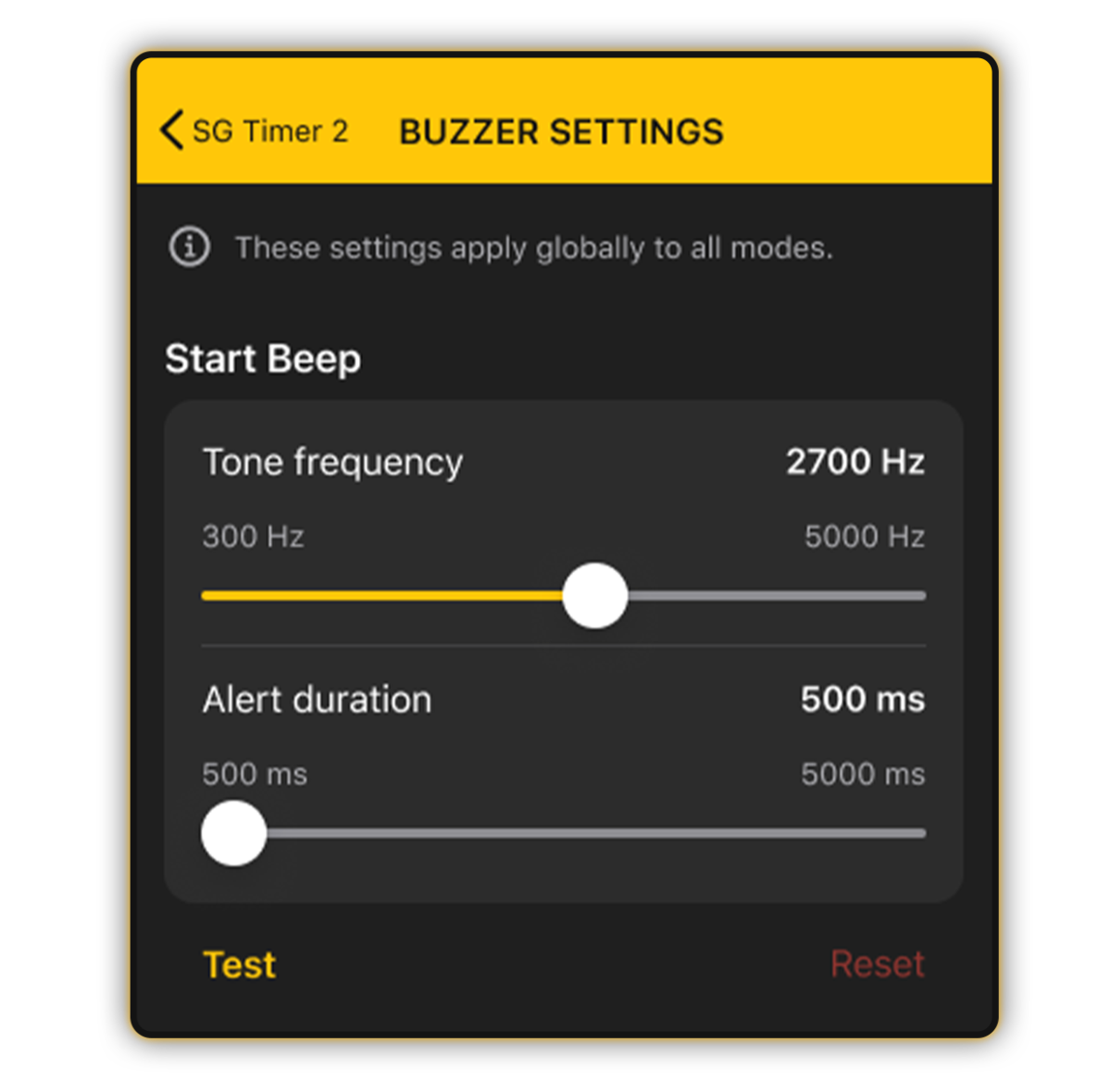
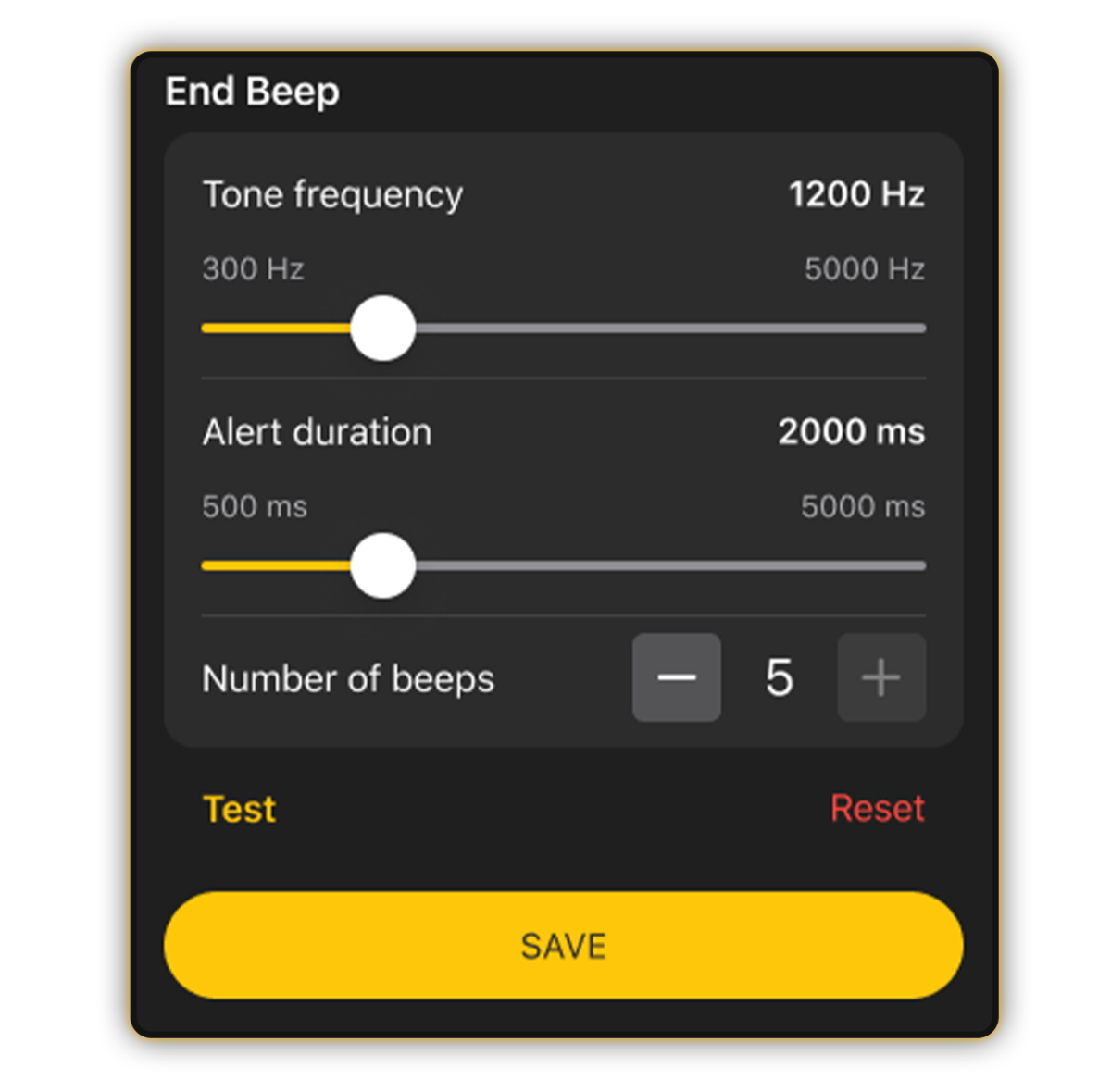
End Beep: Along with frequency and duration, you can set the number of beeps from 1 to 5.
For example, you can set a quick triple beep as your final signal.
Tap Save to sync the changes to your timer.
If you prefer to make adjustments on the fly without your phone, you can do it right through the SG Timer. Read more about it here.
Please note that signal customization for SG Timer Go is available only through the Drills app.