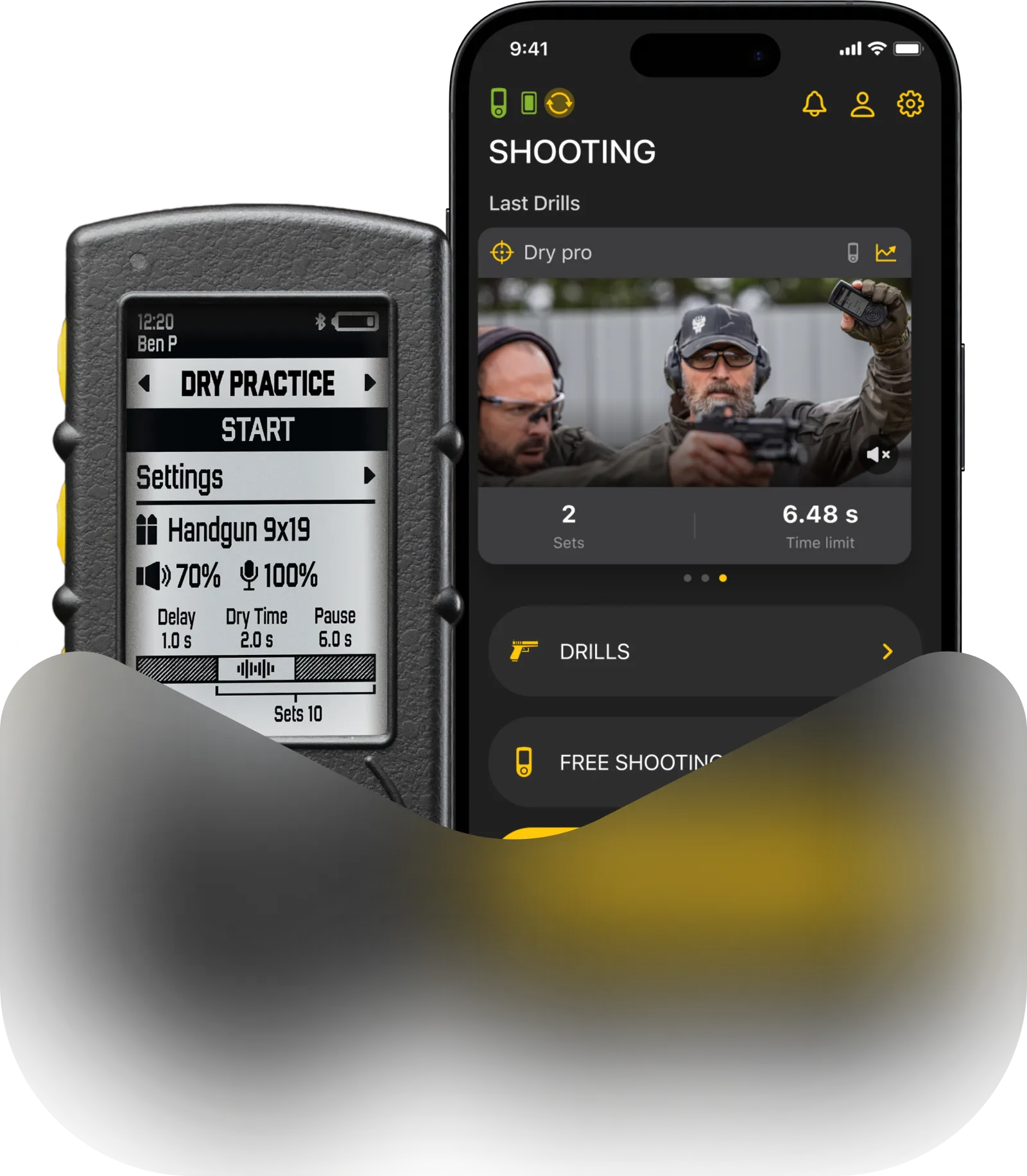
Follow these steps to set up your shot timer for the first use.
Install the Drills App
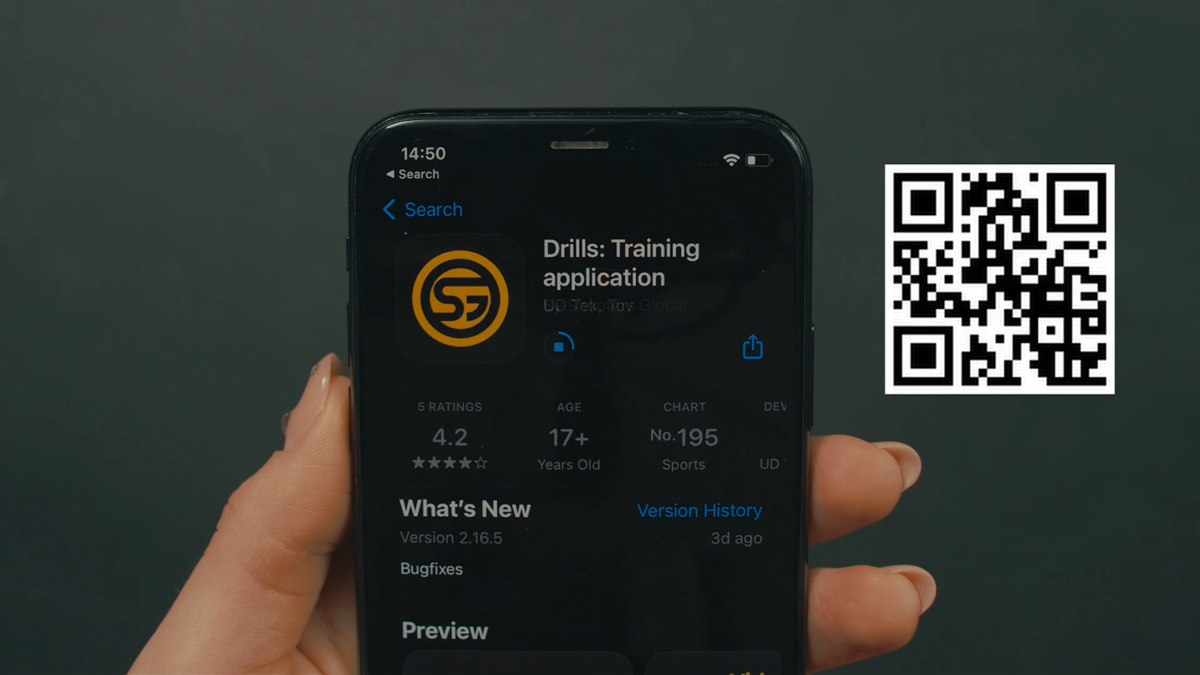
Download the Drills app from the Apple App Store or Google Play.
You can search for “Drills” or scan the QR code.
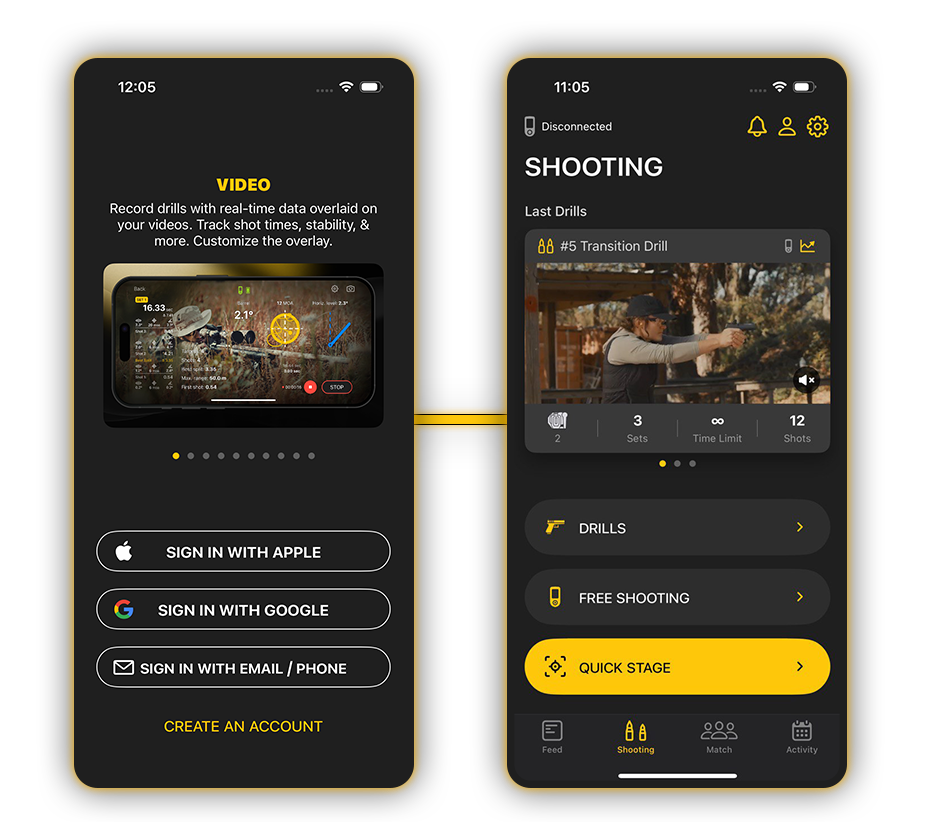
📱 Create an account in the app.
💾 The account stores all settings, presets, results, drills, and video content in the cloud, so your data will be saved if you change your smartphone or timer.
Prepare Your Smartphone
- Turn on Bluetooth on your smartphone
- Grant Location and Bluetooth permissions
- Open the Drills app
Turn On the Timer and Enable Pairing Mode
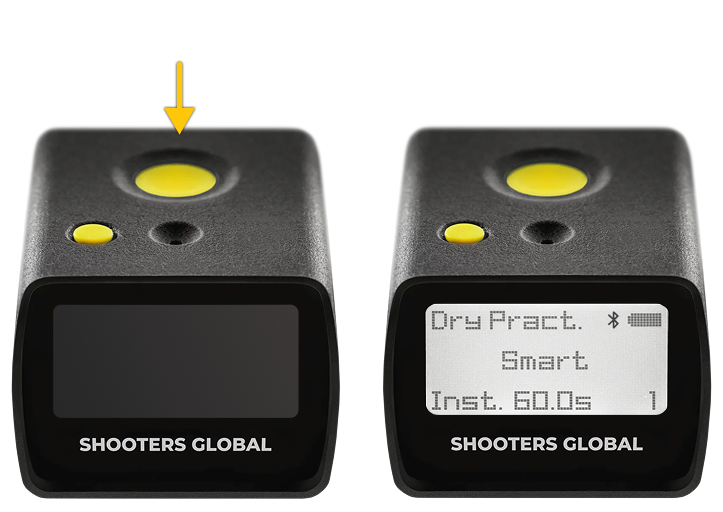
To turn on the timer:
Press and hold the Start button;
Keep holding it for about 4 seconds after the timer turns on, until the Bluetooth icon appears.
The Bluetooth icon indicates that the timer is in Pairing Mode and can be detected by the app.
You will have 60 seconds to connect the device to your smartphone.
Connect the Timer
In the Drills app, select your device from the list;
A Bluetooth pairing request will appear both in the Drills app and on the timer screen;
To complete the connection, confirm pairing on both the smartphone and the timer.
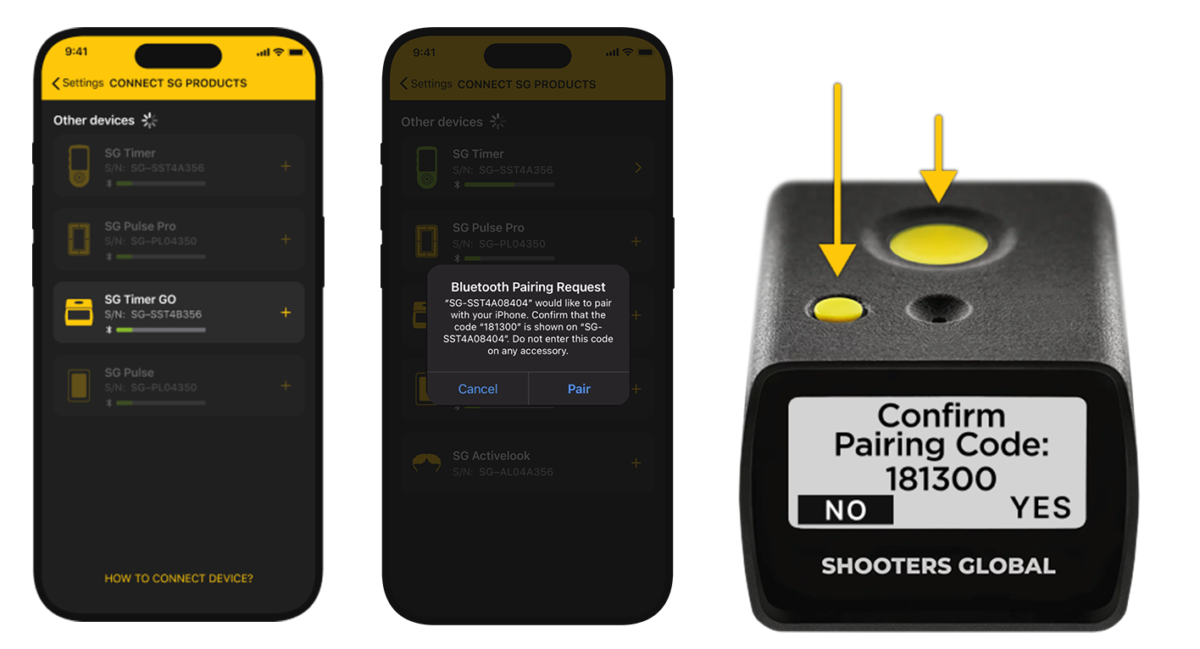
Once confirmed, the device is connected and ready to use.
Connecting to Another Smartphone
If you need to connect the timer to another smartphone:
- Enable Pairing Mode on the timer again;
- Repeat the pairing process.
SG Timer Go supports pairing with one smartphone at a time.
If you cannot connect or see a connection error:
- Go to your smartphone’s system Bluetooth settings
- Find the timer in the list of devices
- Select “Forget This Device”
- Enable Pairing Mode on the timer
- Try connecting again in the Drills app
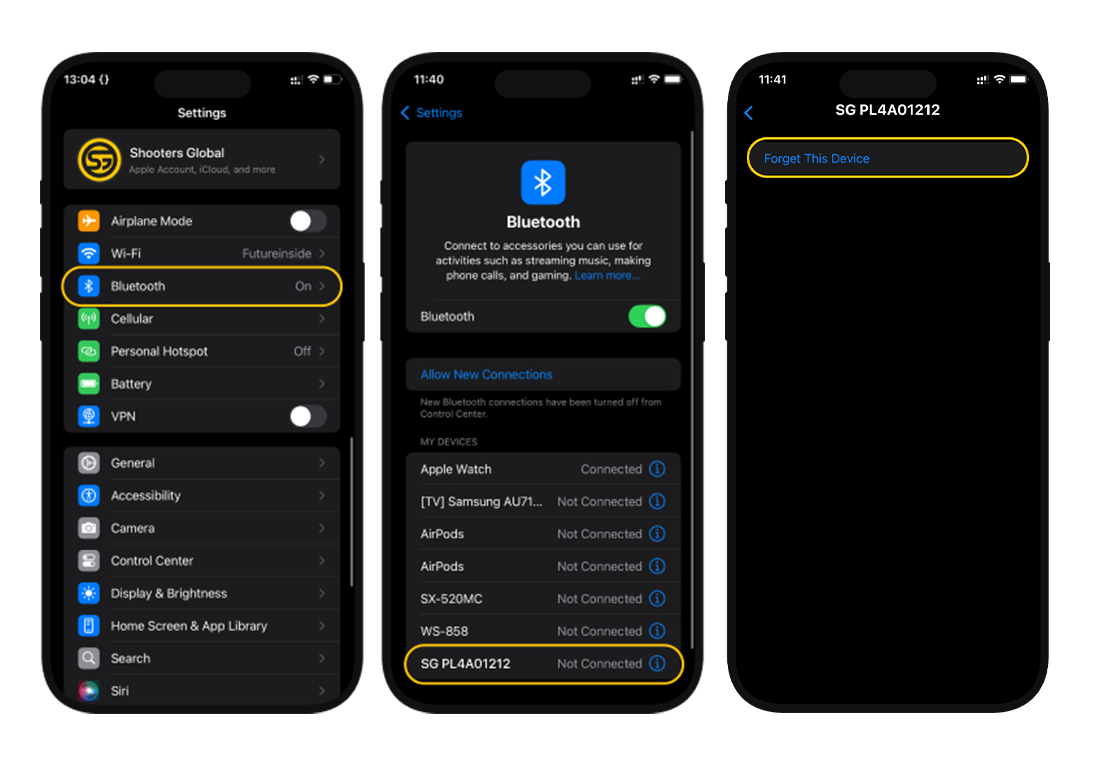
👇👇👇 Watch the video below for Bluetooth pairing instructions for this and other Shooters Global devices.
Update Timer Firmware
Tap the timer icon in the top-left corner of the app. If the timer does not appear, make sure: the timer is turned on and Bluetooth is enabled on both the timer and the smartphone; the app has permission to access Bluetooth.

Open the timer menu and tap Update.
If an update is available, tap Update again and follow the on-screen instructions.
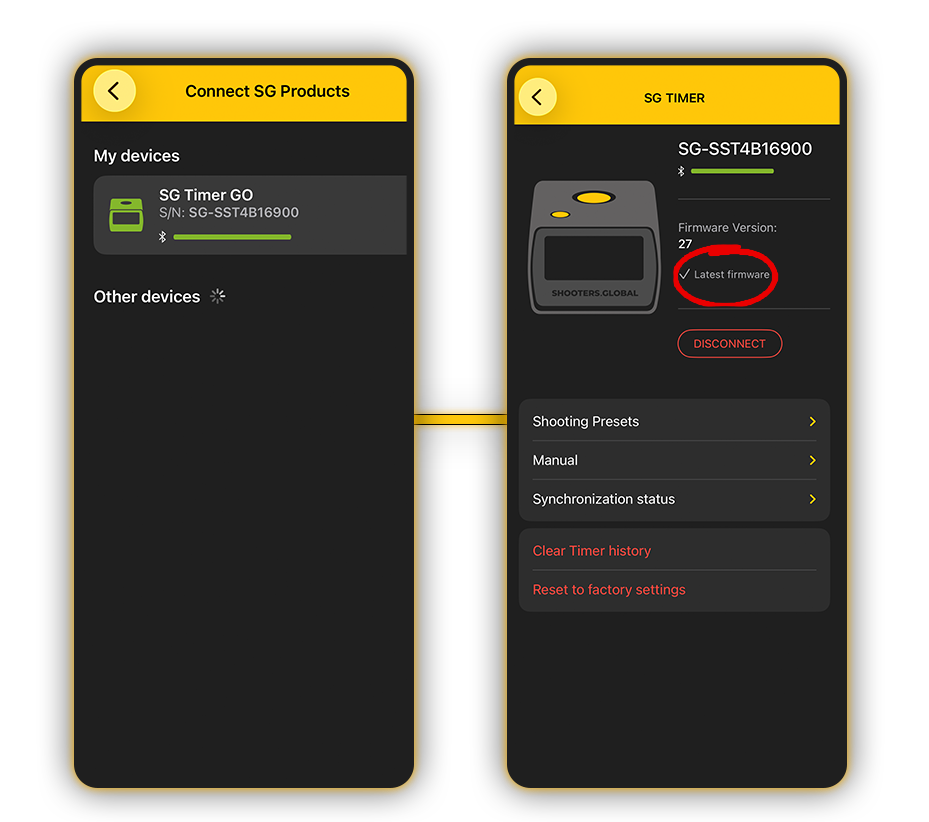
Do not disconnect the timer during the update.
To turn off the timer, press and hold the Function button for a few seconds. The timer will also turn off automatically after 30 minutes of inactivity.