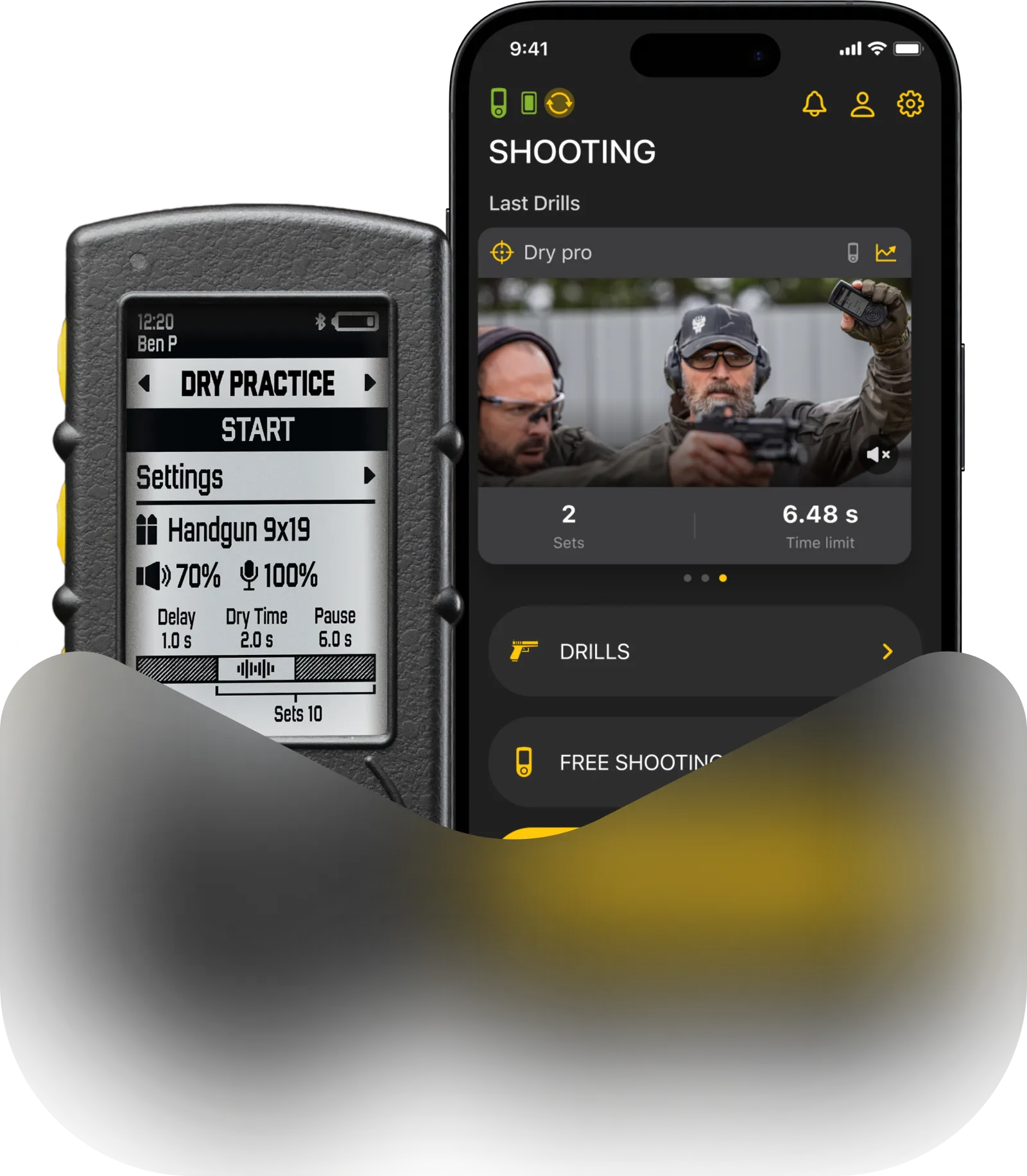
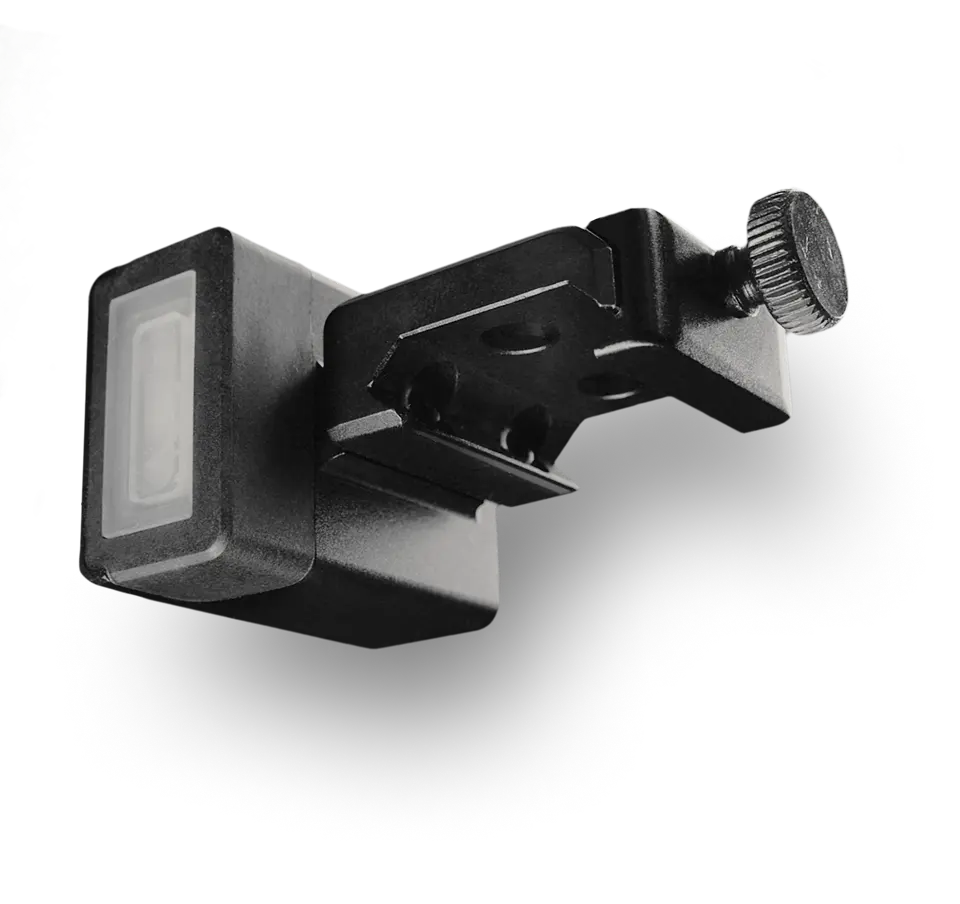
SG Timer GO features three buttons: Button 1, Start (the large center button), and Button 2.
Power Control
- To turn on: Press and hold the Start button.
- To turn off: Press and hold Button 1 or Button 2 to enter the main menu, scroll down using Button 1 or Button 2, and select Powerdown with the Start button. The timer also turns off automatically after 30 minutes of inactivity.
Switching Modes On the main training screen, press and hold Button 1 or Button 2 to open the main menu. Use Button 1 and Button 2 to scroll through available modes (Free Shooting, Shooting Drills, Dry Fire Drills), and press Start to select an item.
Navigation & Presets
- On the main training screen, single press Button 1 or Button 2 to switch between presets in Free Shooting or between drills in Shooting Drills and Dry Fire Drills, RO mode.
Editing Settings
- Presets in Free Shooting can be modified directly on the timer or via the Drills app.
- To change settings of a current preset in Free Shooting, quickly double press Button 1 or Button 2.
- Use Button 1 or Button 2 to scroll between parameters (Delay, Sensitivity, Volume, PAR).
- Press Start to edit the selected parameter (side arrows will appear). Use Button 1 and Button 2 to adjust the value.
- Press and hold Button 1 or Button 2 to exit editing mode (arrows will disappear).
- Press and hold Button 1 or Button 2 again to exit settings and return to the main training screen.
Shooting and Dry fire Drills can be created and edited only in the Drills app.
Learn more about Drills app here.